- • Exodus is a self-custody wallet designed for ease of use across desktop, mobile, and browser.
- • Network support is curated and fixed, with no option to manually add custom EVM networks.
- • Built-in swaps, staking, NFTs, and fiat purchases prioritize convenience over advanced control.
- • Exodus does not charge wallet fees, but swaps and fiat purchases include third-party costs.
- • Security relies entirely on local key storage, recovery phrase protection, and device safety.
- • Best suited for users seeking simplicity, not deep DeFi tooling or extensive customization.
Crypto has been shifting toward self custody, and for many users that shift brings more questions than confidence. Moving away from exchanges means thinking about private keys, recovery phrases, and signing transactions for the first time. If you are unsure whether that step makes sense, or whether Exodus is the right wallet to start with, this Exodus review is meant to help. It focuses on how Exodus works in practice, where it simplifies things, where it does not, and what tradeoffs actually matter once you begin using it.
Exodus Wallet Overview
Exodus Wallet was launched in 2015 by JP Richardson and Daniel Castagnoli, at a time when most self custodial wallets were built mainly for technical users. The original goal was not to add every possible feature, but to make self custody usable for people coming from exchanges or basic crypto apps. That direction has stayed consistent over the years.
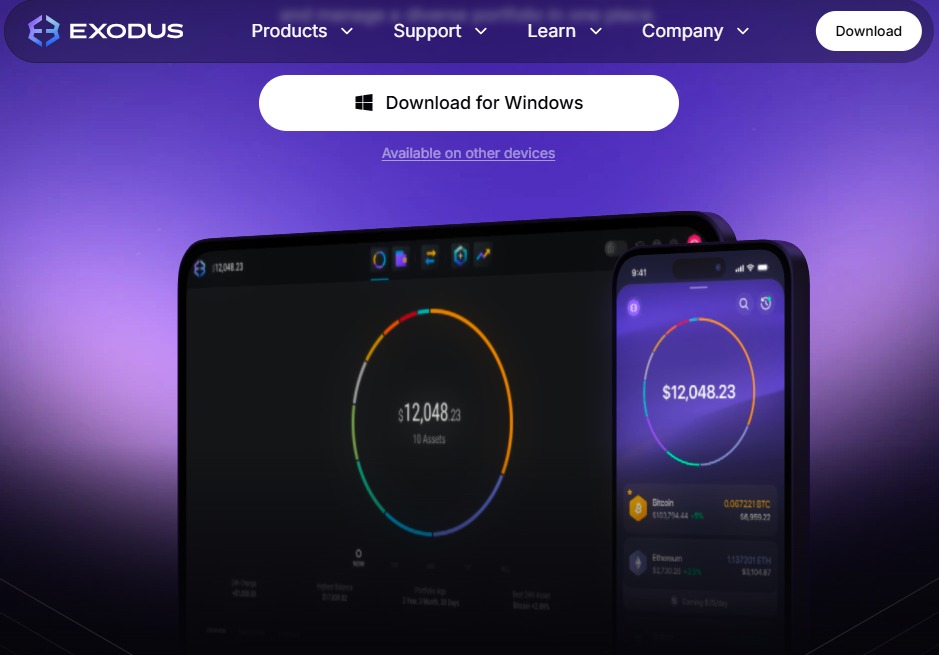
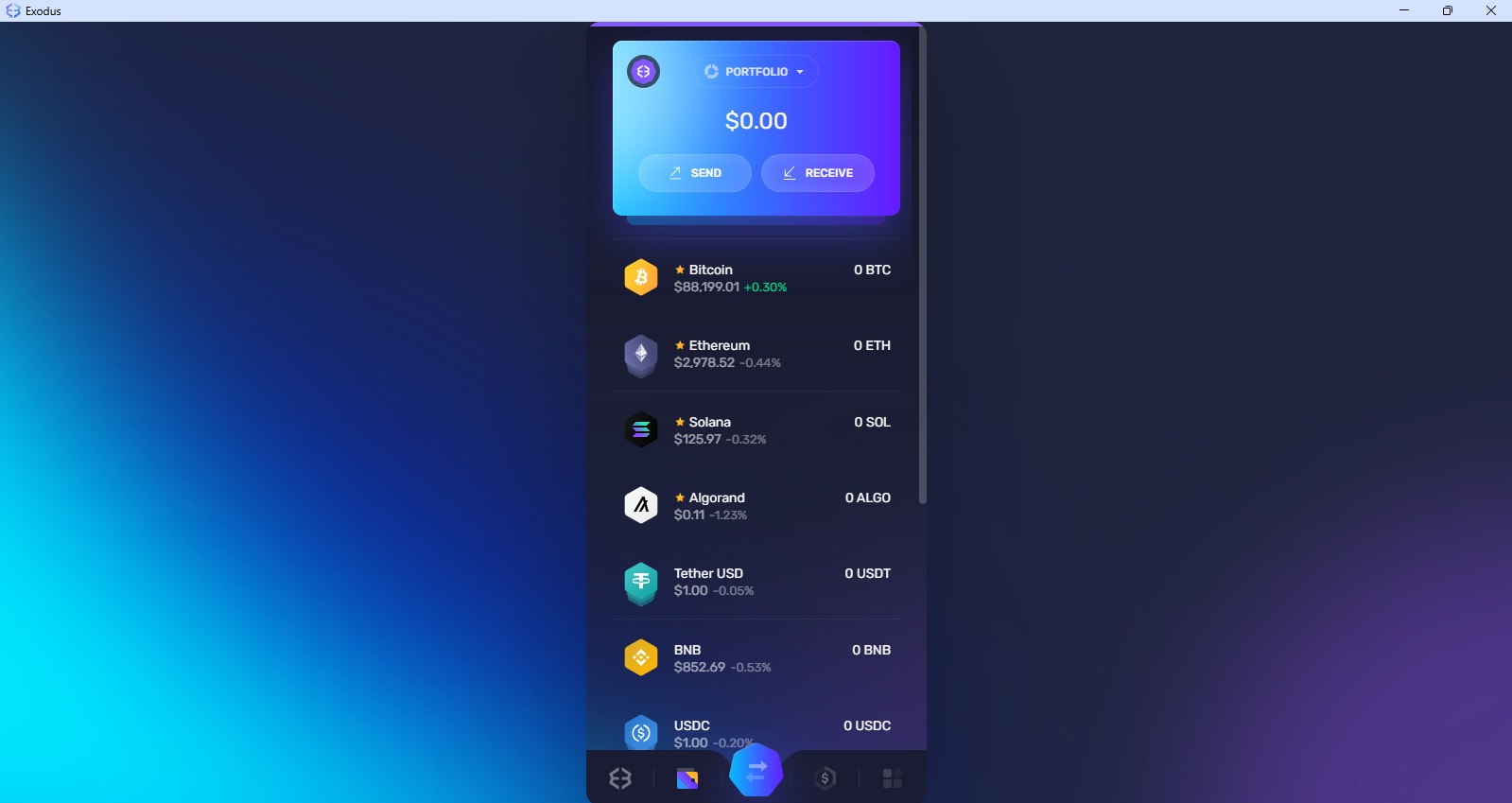
Exodus is known primarily for its focus on usability. It supports a fixed set of major networks, covering both EVM and non EVM chains, without allowing manual network configuration. This removes setup complexity, but also means users cannot add custom RPC networks. The interface is consistent across desktop and mobile, with common actions like sending, receiving, swaps, staking, and NFT management handled directly inside the wallet.
It also includes built in swaps and a fiat on ramp for buying crypto with cards, reducing the need to rely on external platforms. From a custody perspective, private keys and recovery phrases are generated and stored locally on the user’s device, placing full control and responsibility with the user.
Exodus Wallet Pros and Cons
| 👍 Exodus Pros | 👎 Exodus Cons |
|---|---|
| ✅ Full-featured desktop application | ❌ No custom network support |
| ✅ Simple and intuitive interface | ❌ Limited Web3 dApp access |
| ✅ Built-in swaps and staking | ❌ No token bridging features |
| ✅ Multi-device availability | ❌ No perpetuals or derivatives |
| ✅ Integrated fiat on-ramp | |
| ✅ Hardware wallet support |
Getting Started With Exodus Wallet
Exodus is built around a simple setup process rather than account creation. There is no email, phone number, or identity check involved. You start by choosing where you want to use it. Exodus offers a desktop application for Windows, macOS, and Linux, along with mobile apps and a browser extension. During setup, you either create a new wallet or import an existing one, then set a password to secure access on your device.
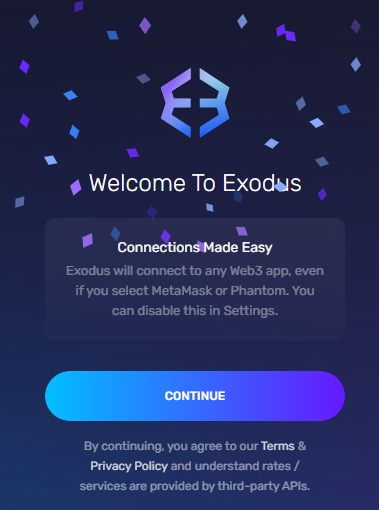
One step should never be postponed. Exodus provides a recovery seed phrase that is required to restore the wallet if the app is removed or the device is lost. That phrase is the only backup. If it is not saved securely, access to funds cannot be recovered later, regardless of the platform being used.
Exodus Wallet Network Supported
The usefulness of a wallet depends heavily on where you operate on chain. Exodus Wallet supports a fixed set of well established networks, covering both EVM based ecosystems and major non EVM chains. With 15+ supported networks, it comfortably handles activity across commonly used blockchains. For users whose transactions and holdings remain within mainstream networks, this coverage is usually sufficient to manage assets without additional setup.
One defining aspect of Exodus is that network support is curated rather than configurable. Users cannot manually add new networks or custom RPC endpoints, even if the chain is EVM compatible. This removes complexity for newer users, but it also limits flexibility for those who regularly interact with newer or less common networks.
On desktop, Exodus can be paired with a Trezor hardware wallet. This allows users to send and receive more than 74+ supported assets while keeping private keys secured on the hardware device, using the Exodus interface as the control layer.
If you are unsure whether a specific network is supported, it’s worth checking beforehand. You can do this by using our Exodus Wallet network checker, where you simply enter the network name and confirm availability before setting up your wallet.
Exodus Wallet Fees
Exodus does not charge wallet fees for sending or receiving crypto. Any fee you see for a transaction is a network fee, and it goes entirely to miners or validators on that blockchain. Costs only increase when using built-in services like swaps or fiat purchases, which rely on third-party providers and may include spreads or processing fees.
Exodus Wallet Products and Services
Let’s take a look at the products and services Exodus offers if you choose to use it for holding, managing, or trading your crypto.
Desktop App
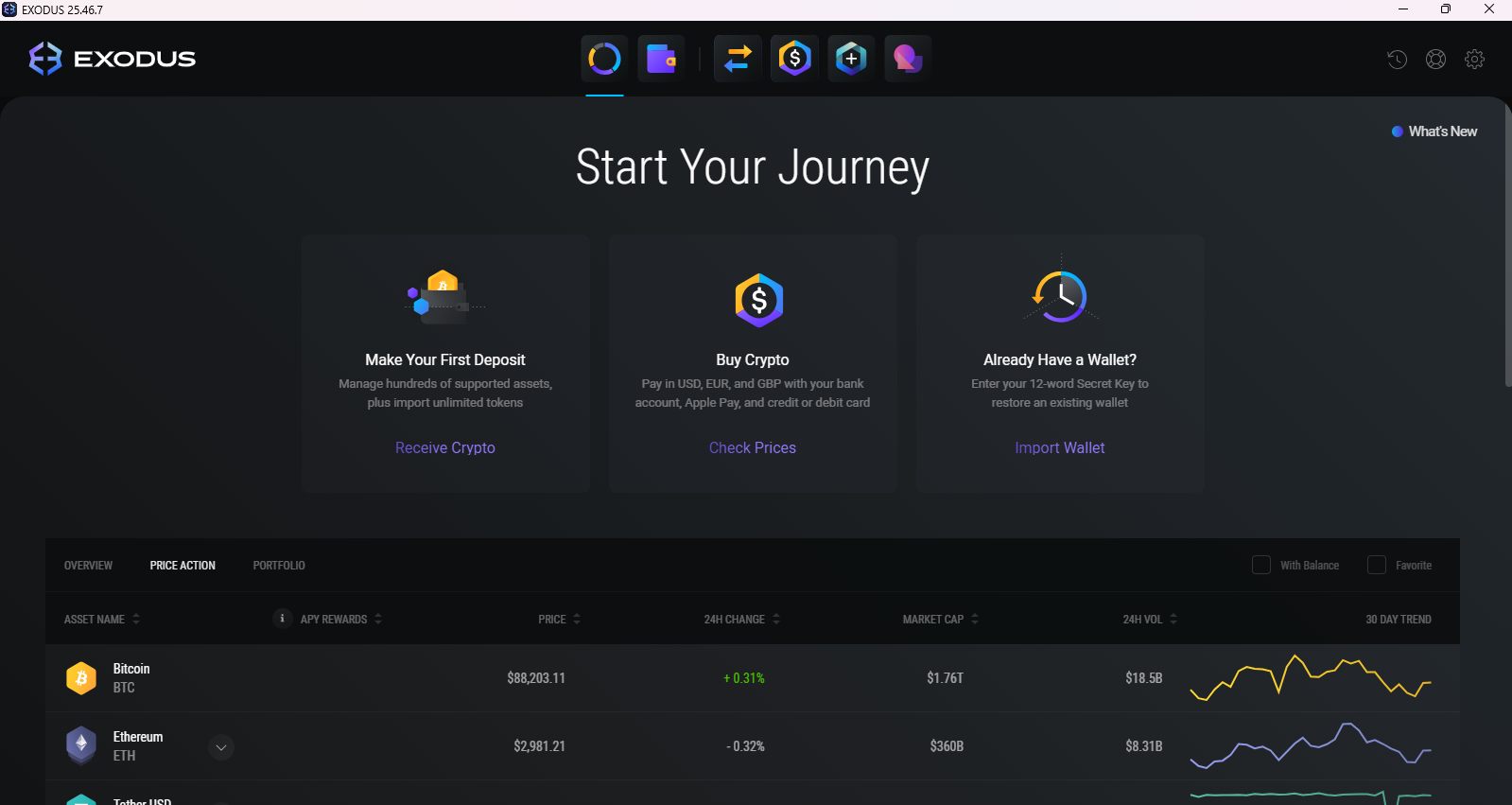
The Exodus desktop app is where most features are available. Users can manage assets across supported networks, send and receive crypto, use built-in swaps, stake supported assets, and view and manage NFTs. Portfolio tracking and basic security tools, including the Safe Report, are integrated into the interface. There is no built-in dApp browser, so DeFi interaction is limited, but for storage, portfolio management, and occasional transactions, the desktop app covers the full Exodus feature set. Educational guides, FAQs, and tutorials are accessible directly from the app.
Browser Extension
The browser extension brings Exodus into a Web3 context. It supports sending, receiving, swaps, and NFT viewing, along with a Web3 tab that includes a small set of preconfigured applications. While some dApps support direct Exodus connections, compatibility remains limited. In practice, WalletConnect is the most consistent way to interact with external dApps while using the extension as the signing layer for transactions.
Mobile App
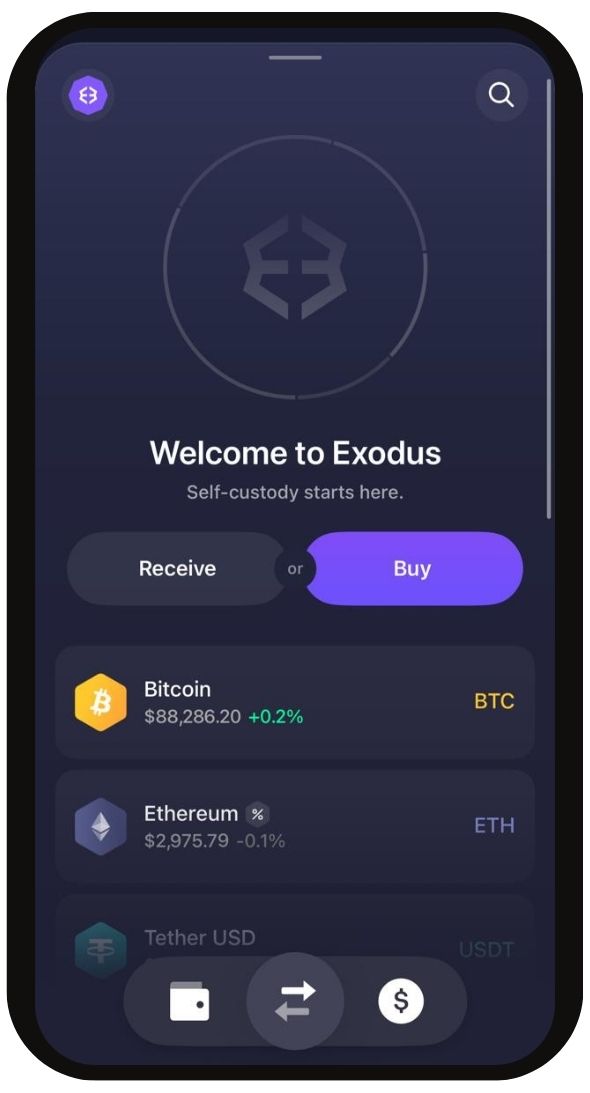
The mobile app focuses on managing assets on the go. Users can send and receive crypto, perform swaps, stake supported assets, manage NFTs, and monitor their portfolio. There is no standalone dApp browser, which limits direct DeFi interaction to a small number of integrated services. Syncing with the desktop app is straightforward using a QR code, keeping balances aligned. Syncing with the browser extension requires restoring the wallet using the recovery phrase.
Swap
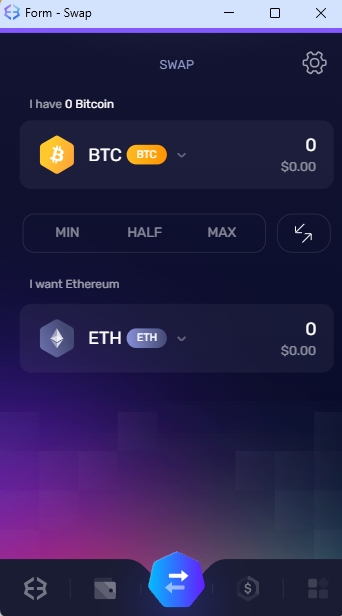
Exodus includes a built-in swap feature that allows users to exchange between more than 153 supported assets without leaving the wallet. Swaps are executed through third-party providers and completed directly inside the interface. While this removes the need to use external exchanges, pricing is spread-based and can be higher than manual trading routes. Final amounts are shown before confirmation.
FIAT Ramp
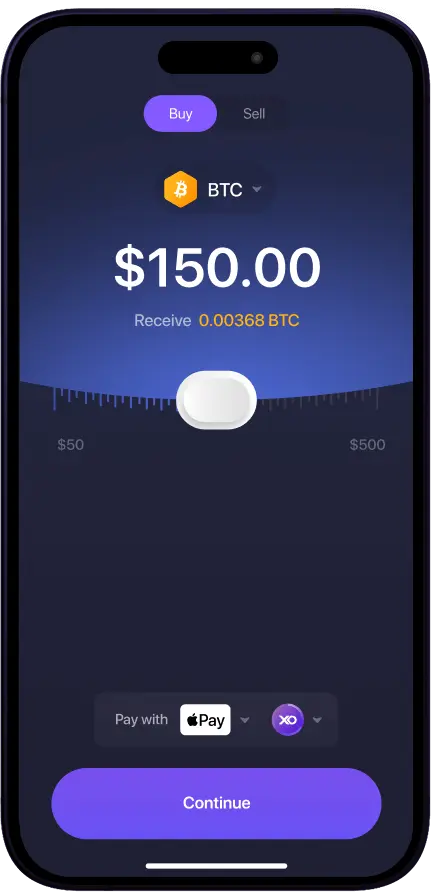
The fiat ramp in Exodus allows users to buy crypto using debit or credit cards through integrated third-party providers. This feature is designed for convenience, especially for users entering self custody for the first time. Availability, supported currencies, and payment methods depend on region. Processing fees and network fees apply and are displayed before completing a purchase.
Staking
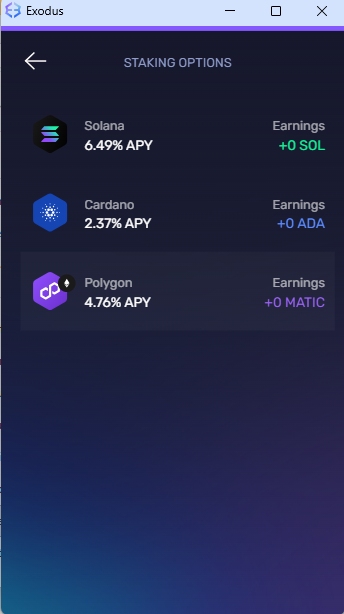
Exodus supports staking for more than 9+ assets directly from the wallet. This allows users to earn staking rewards without interacting with external platforms or smart contracts. Staking terms, lock-up conditions, and reward rates vary by network. While the process is simplified, users have limited control compared to native staking or advanced DeFi protocols.
NFT Gallery
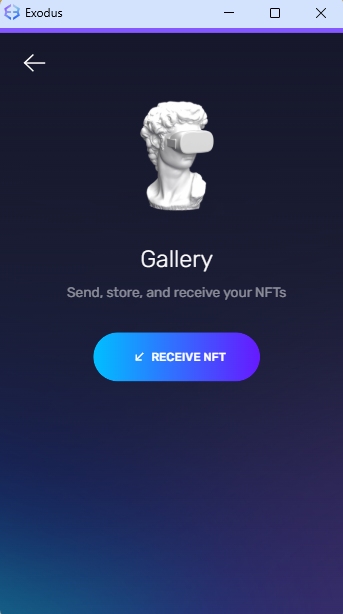
Exodus includes an NFT gallery that allows users to view and manage NFTs held on supported networks. NFT support is currently limited to Algorand, Ethereum, and Solana. Users can send and receive NFTs within the wallet, but advanced marketplace interactions and minting are not available. The gallery is primarily for storage and basic visibility.
Exodus Wallet Security
Exodus uses a self-custody security model where private keys and recovery phrases are created and stored locally on the user’s device. Keys are never held by Exodus or transmitted to its servers. Wallet data is encrypted and protected by a user-defined password on desktop or device-level security on mobile. There is no account-based recovery, meaning access can only be restored using the recovery seed phrase. If that phrase is lost, funds cannot be recovered.
For users who want an additional security layer, Exodus supports hardware wallet integration with Trezor on desktop, allowing transactions to be signed on the hardware device while using the Exodus interface. As with any hot wallet, overall safety depends on device security, backup discipline, and how the wallet is used in practice.
Exodus Wallet Customer Support
Exodus provides in-app support resources across both desktop and mobile. Users have access to a built-in knowledge base that covers common wallet actions, security topics, staking, swaps, and general usage questions. These guides are usually enough for handling routine issues without needing direct assistance.
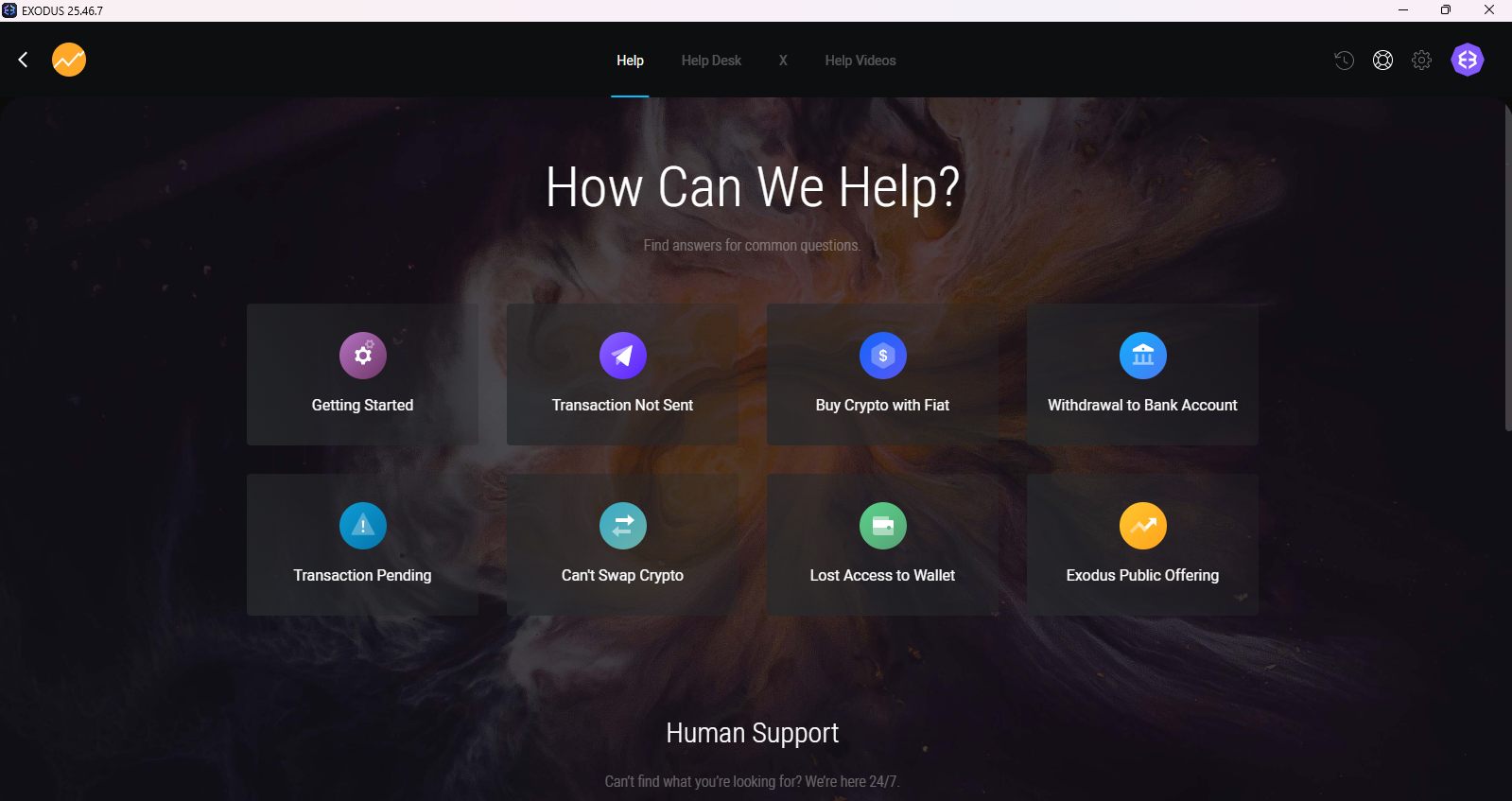
For additional learning, Exodus maintains an active YouTube channel with walkthroughs and educational content covering wallet features and broader blockchain concepts. Direct email support is available at all times through the apps and the official website. Responses are handled by support staff rather than automated systems, and reply times are generally reported to be reasonably fast, often within 30 minutes to an hour.
MetaMask vs Exodus Wallet
MetaMask and Exodus are both long-standing wallets, but they are built for different types of users. MetaMask has evolved into a full Web3 gateway. It supports all EVM networks, along with Bitcoin and Solana, and adds flexibility through features like token bridges, perpetuals, prediction markets, and Snap extensions for additional networks and functionality. This makes it better suited for users who actively interact with DeFi.
Exodus takes a more contained approach. Its feature set focuses on asset management, built-in swaps, staking, and portfolio visibility across supported chains, without exposing users to advanced configuration. Network support is fixed, and fiat on-ramps are more limited. In practice, MetaMask favors flexibility and depth, while Exodus prioritizes simplicity and a smoother experience for users who want fewer moving parts.
Is Exodus Wallet Safe?
Exodus has been operating since 2015 and is developed by Exodus, a publicly listed US-based firm (OTCPK: EXOD). There are no publicly known incidents of the wallet itself being compromised. As a non-custodial wallet, Exodus does not have access to user funds or private keys.
The wallet does not support two-factor authentication, but in a self-custody model, access ultimately depends on control of the recovery phrase. Anyone with that phrase can restore the wallet, regardless of login protections. Security therefore depends on proper backup and device safety.
Bottom Line
Exodus makes sense for readers who value clarity, ease of use, and a controlled introduction to self-custody. It lowers friction around holding, swapping, and managing crypto across devices, without asking users to configure networks or navigate complex DeFi tooling. At the same time, that simplicity comes with limits around flexibility and advanced control. If you are still deciding, it’s worth comparing Exodus with other options. Reviewing our list of the best hot wallets can help you understand where Exodus fits before committing to a long-term setup.
FAQs
1. Can I use Exodus on multiple devices?
Yes. Your balances reflect the blockchain itself, so funds remain consistent across devices when the same wallet is restored. However, device-specific settings and preferences do not automatically sync and may need to be configured separately.
2. Does Exodus support two-factor authentication (2FA)?
Exodus does not use traditional two-factor authentication. As a self-custody wallet, security is based on control of the recovery phrase, wallet password or PIN, and the security of the device being used.
3. Is Exodus open source?
Exodus is partially open source. While some components are publicly available, the wallet is not fully open source, which is a consideration for users who prioritize complete code transparency.
4. What fees does Exodus charge?
Exodus does not charge wallet usage fees. Sending transactions incurs standard network fees paid to the blockchain. Built-in swaps may include spreads and third-party costs, which are shown before confirmation.
5. Can I export my transaction history for tax reporting?
Yes. Exodus allows users to export transaction history in CSV format, making it easier to use the data for tax reporting or portfolio tracking tools.