



- •To get started with Exodus Wallet, you need to download the app and create an account.
- •The Exodus Wallet is available for download on mobile and desktop apps, as well as Chrome and Brave extensions.
- •Exodus Wallet is a non-custodial wallet that requires no KYC.
Most modern crypto wallets are equipped with tools that make trading a remarkable experience. However, what sets wallets like Exodus apart is their convenience, top-notch security, and full user control. Exodus Wallet is an all-in-one, non-custodial cryptocurrency wallet that supports over 50 major blockchains and offers unlimited token support across them. Want to learn how to get started with Exodus Wallet for an enhanced crypto management experience? This article guides you on how to download Exodus Wallet on both mobile and desktop as an app or an extension, as well as how to create an account easily.
Why Do I Need Exodus Wallet?
Exodus Wallet stands out with its sleek user interface, making it an ideal choice for both experienced and new cryptocurrency users. It’s a non-custodial wallet that enables you to manage and secure your account’s private keys independently. This perk enhances wallet security and personalization for users, allowing them to store essential details offline without relying solely on cloud services, which are often susceptible to hacking.
Exodus Wallet supports a wide range of crypto assets across multiple blockchains, including Ethereum, Bitcoin, and more. It supports over 100 cryptocurrencies, has a built-in swap tool, and offers staking for passive income.
Also, Exodus is ideal for both beginners who need a simple mobile app and professionals who prefer a desktop view. Lastly, the wallet’s 24/7 support and no KYC requirements mean a quick start, ease of access, and reduced complexity.
Read more: Exodus Wallet Review
Getting Started With Exodus Wallet
First and foremost, using official download links is essential. Downloading cryptocurrency tools from fake websites can lead to the loss of funds or worse. Since that’s cleared, follow the steps below to download the Exodus Wallet:
Download Exodus Browser Extension
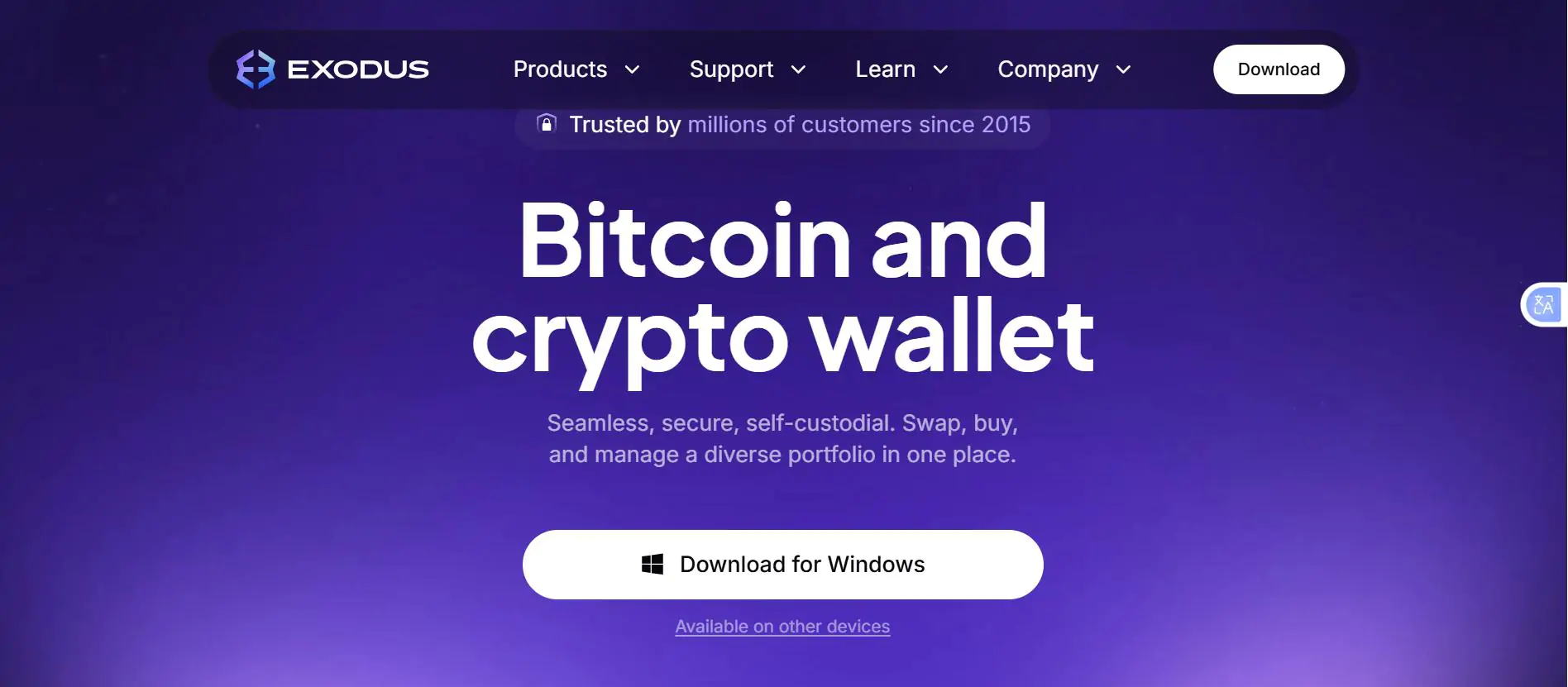
Step 1: Open your browser and navigate to the official Exodus Wallet website.
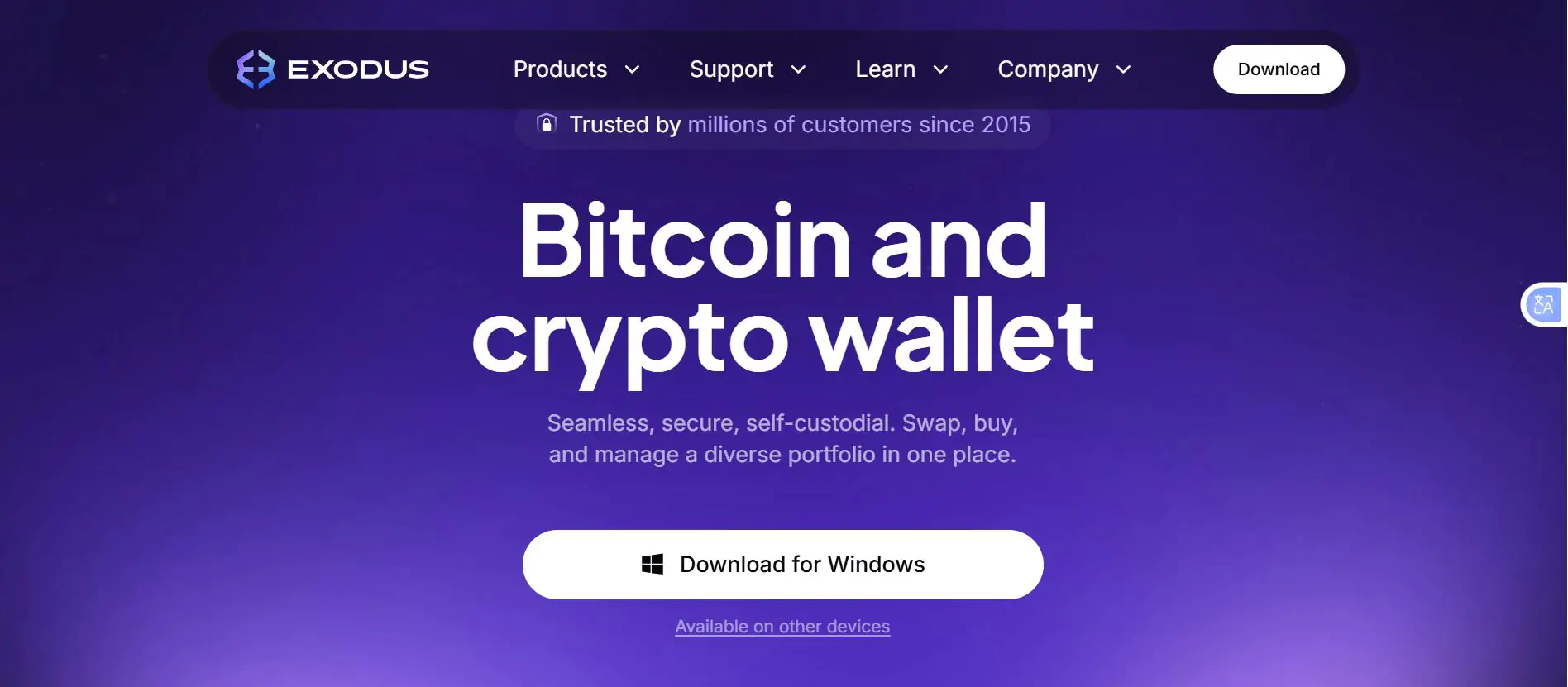
Step 2: Click “Available on other devices” to select the extension version.
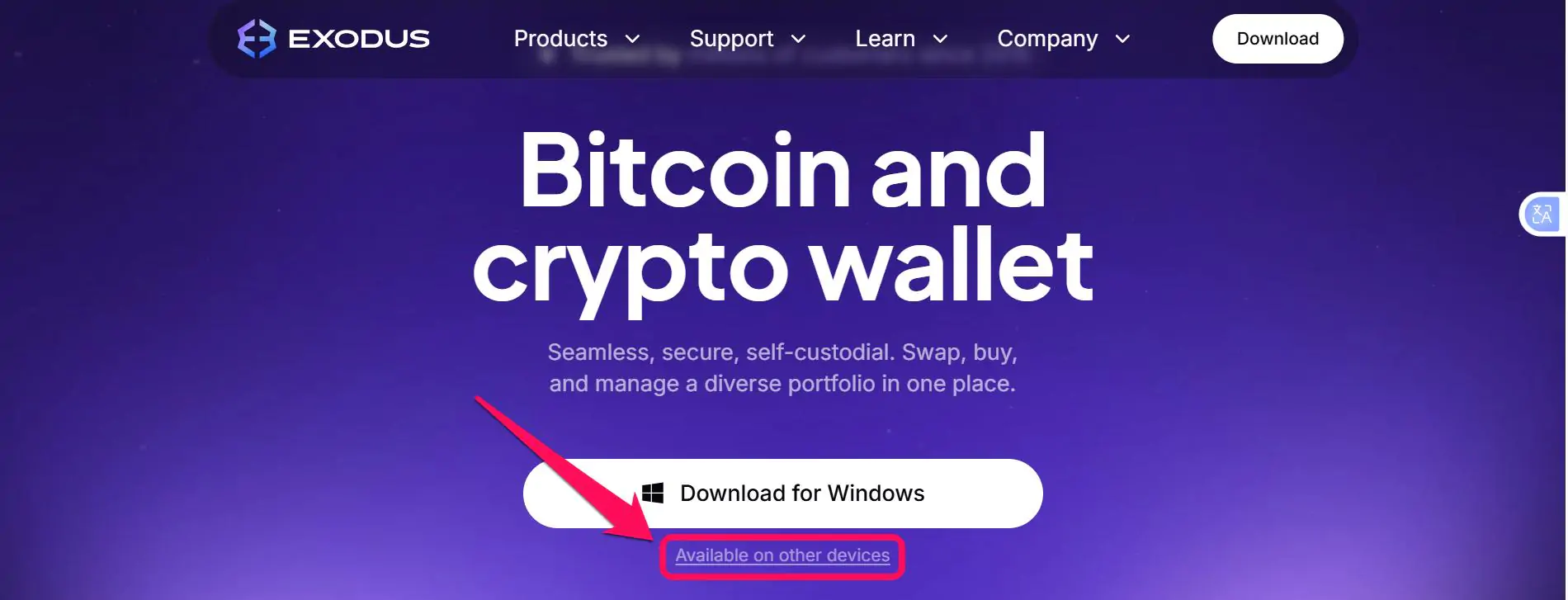
Step 3: Select “Download for Chrome and Brave” under the Web3 option. You will be redirected to your browser’s extension store.
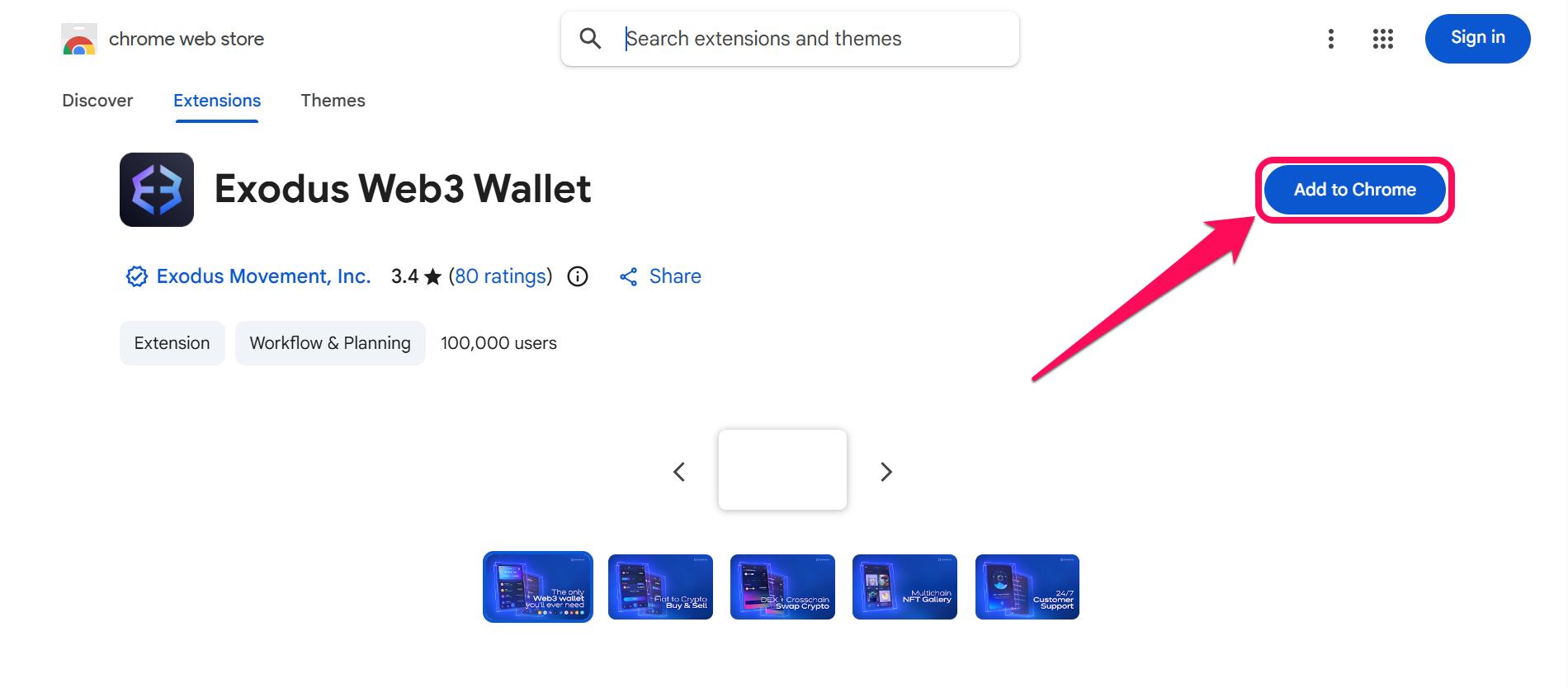
Step 4: Click “Add to Chrome” to install the extension. Pin the wallet for easier access if desired.
Download Exodus Desktop
Step 1: Open your browser and navigate to the official Exodus Wallet website.
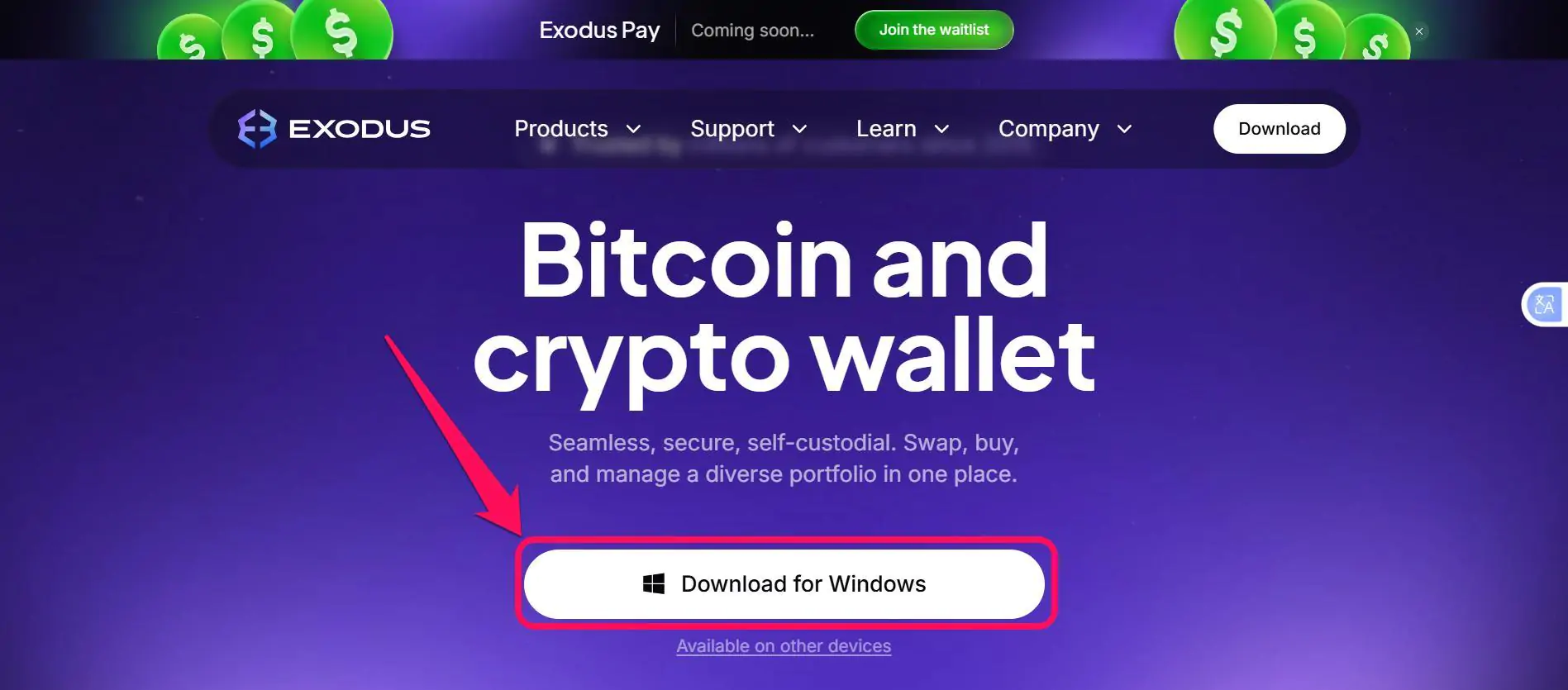
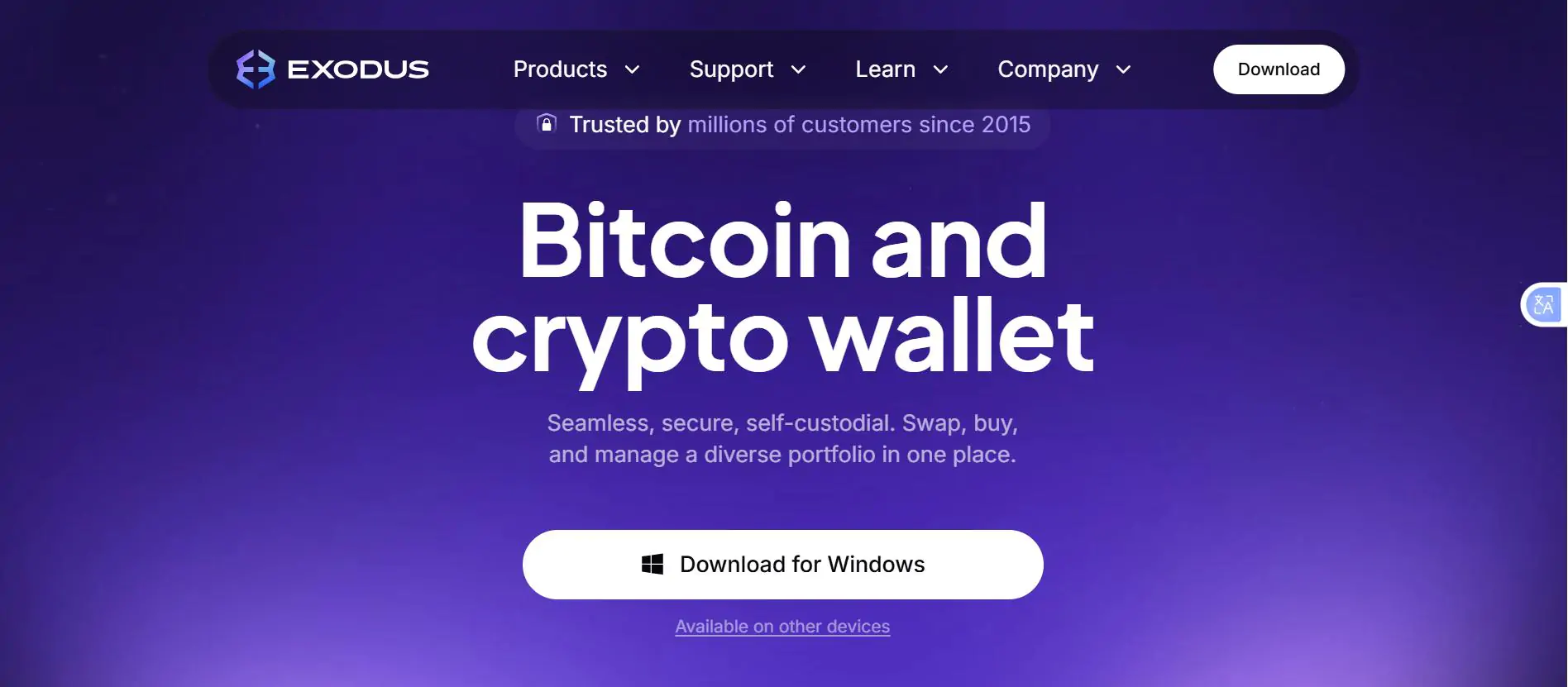
Step 2: Click on “Download for Windows” to begin the download.
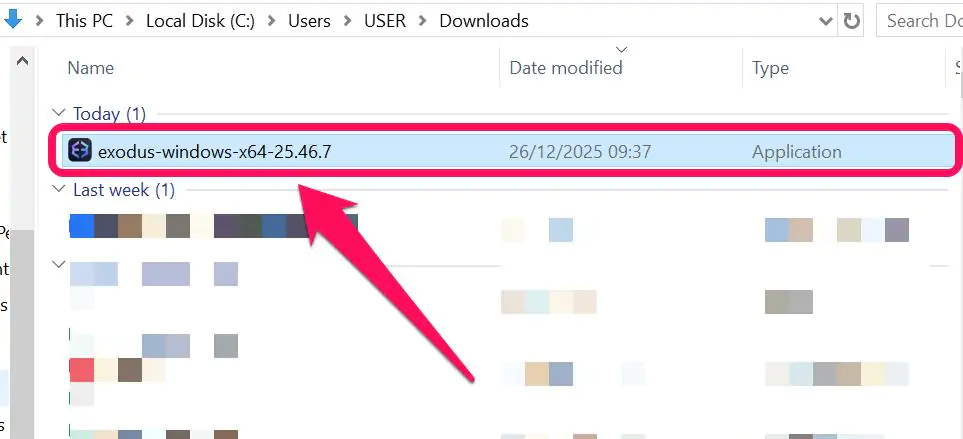
Step 3: Once the download is completed, open the Download folder on your PC, and tap on the file to start the installation.
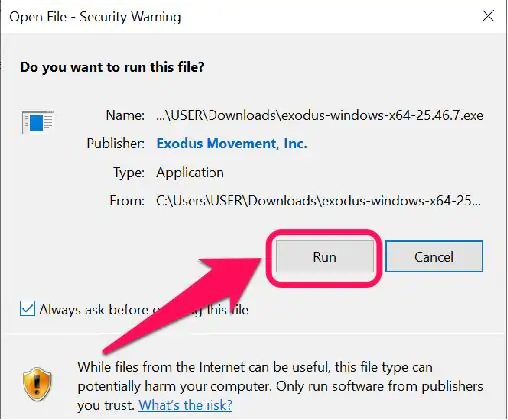
Step 4: Lastly, click on “Run” to complete the installation.
Download Exodus Mobile App
Step 1: Open your mobile browser and navigate to the official Exodus Wallet website, and select Available on other devices.
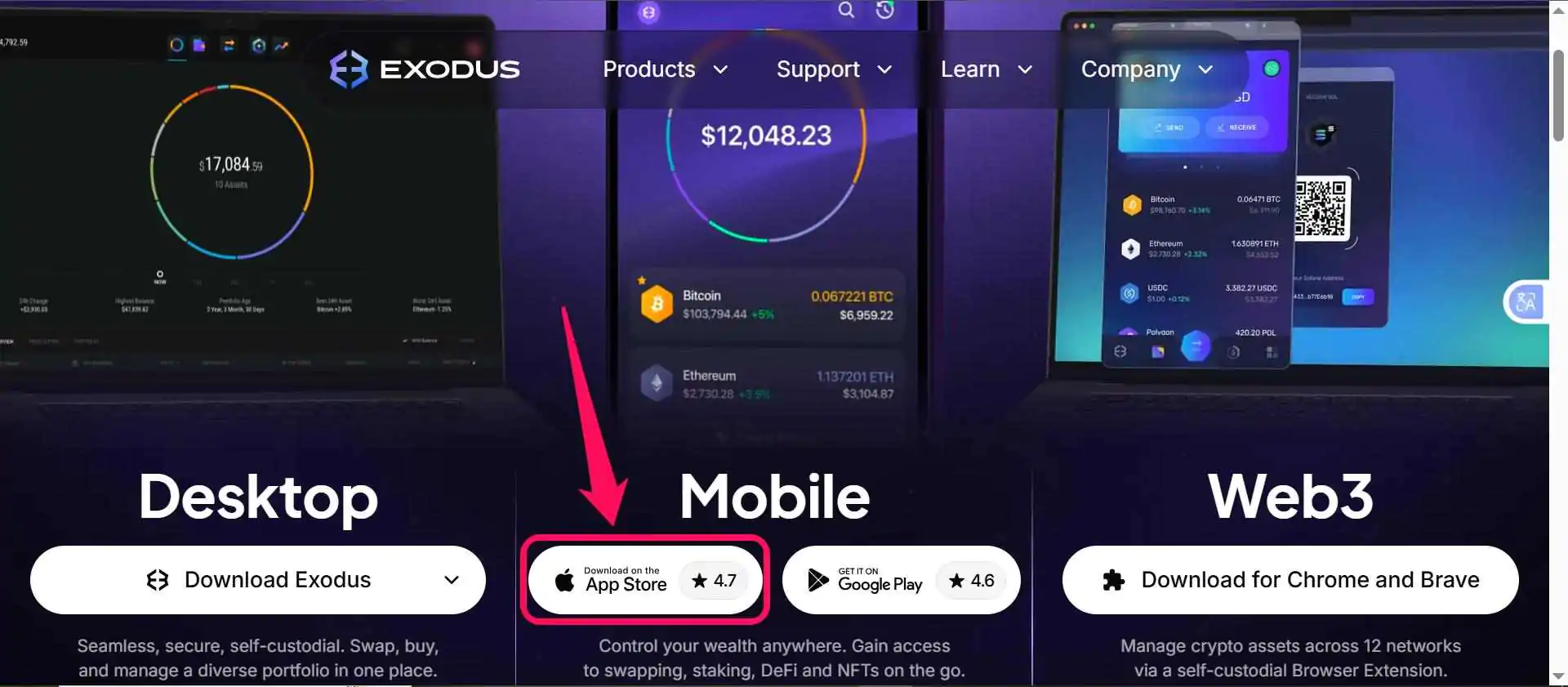
Step 2: For iOS device users, click “Download on the App Store“.
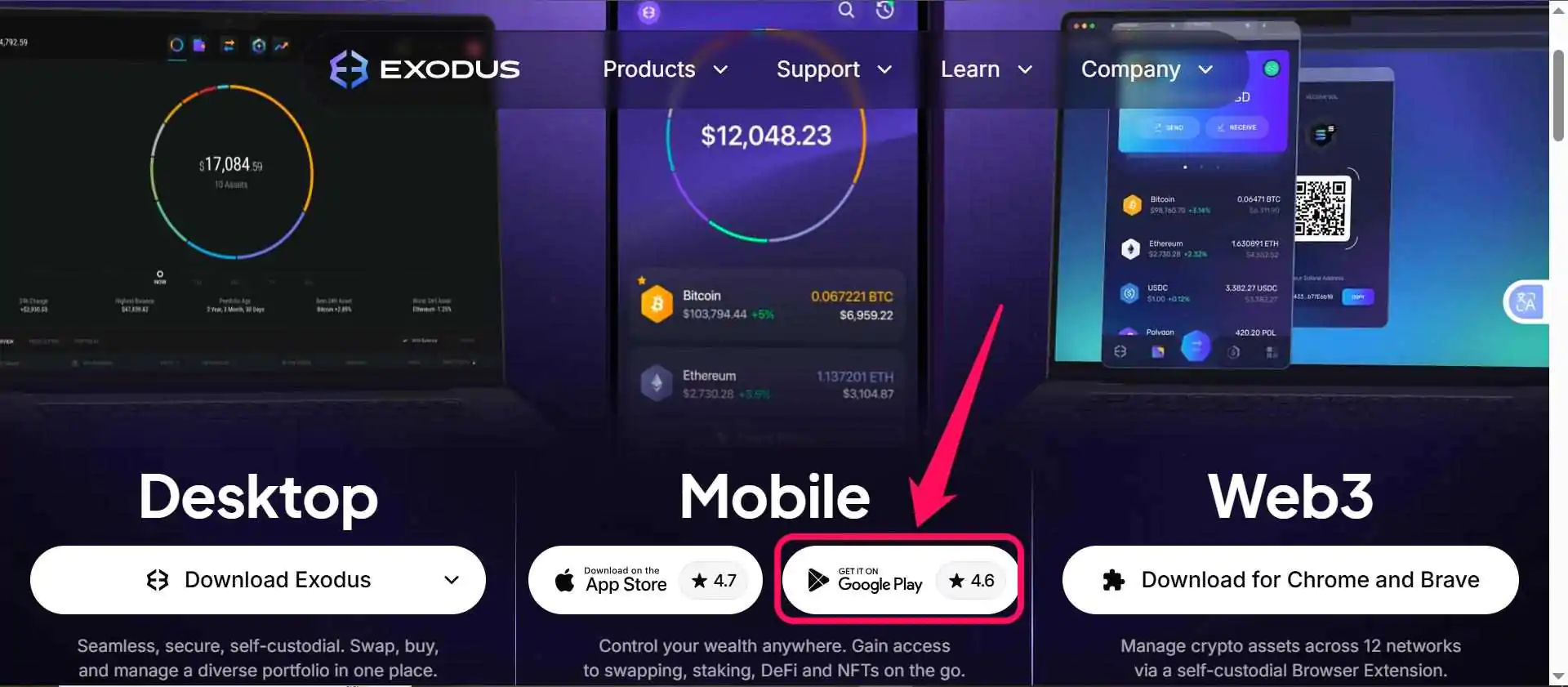
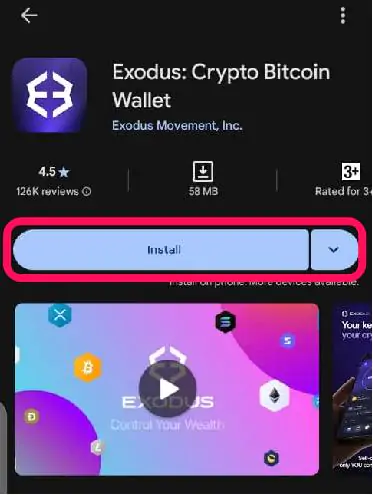
Step 3: For Android users, click the Get it on Google Play icon to begin downloading instantly.
Step 4: The download should begin once you click “Install ” or “Get”. Wait for it to install, then tap the app to launch and create a wallet.
Wallet Creation
After downloading, the next step to enjoy Exodus Wallet perks is to create a personal wallet. Follow the steps below to set up your Exodus wallet and get started:
Step 1: After downloading and installing the Exodus wallet app or extension, open it.
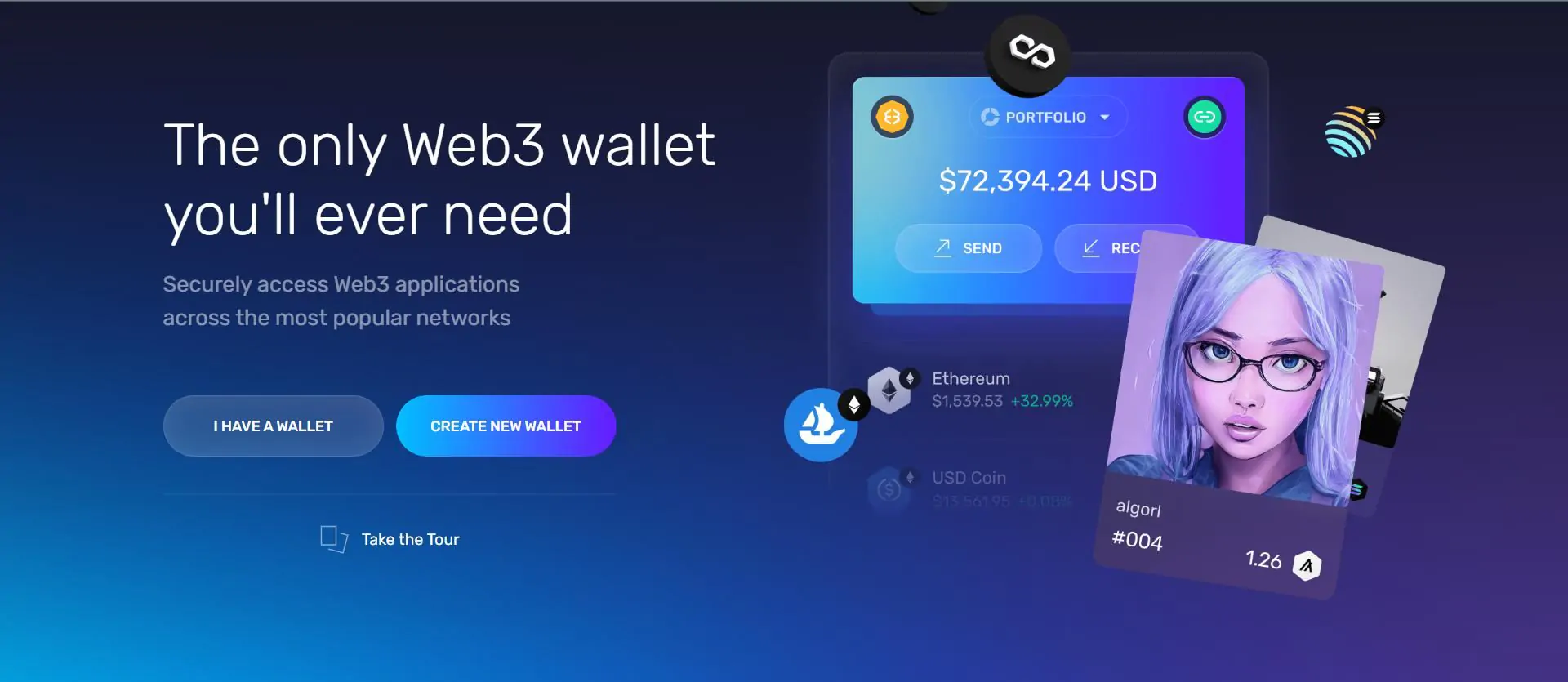
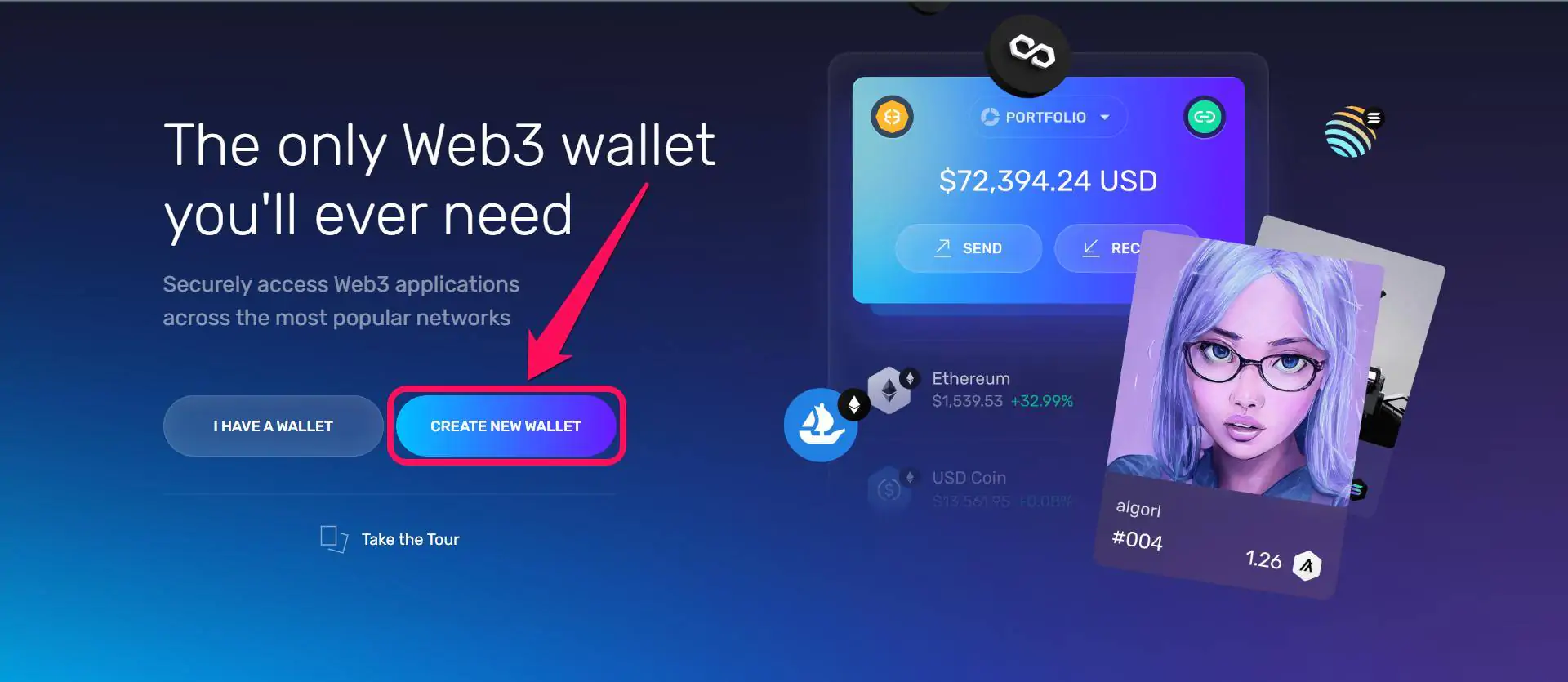
Step 2: On the welcome screen, tap the Create Wallet option. You can use the Restore Wallet option if you have an existing wallet you wish to import into Exodus.
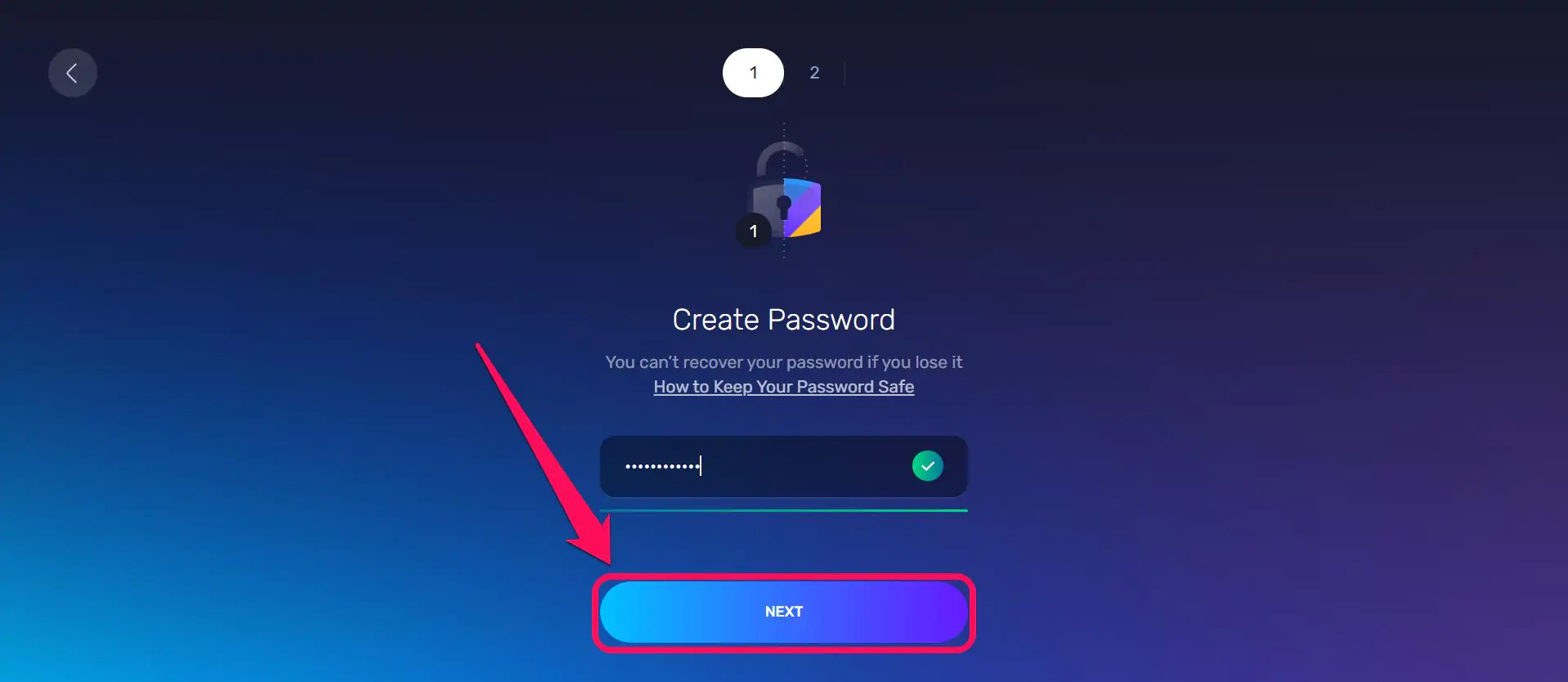
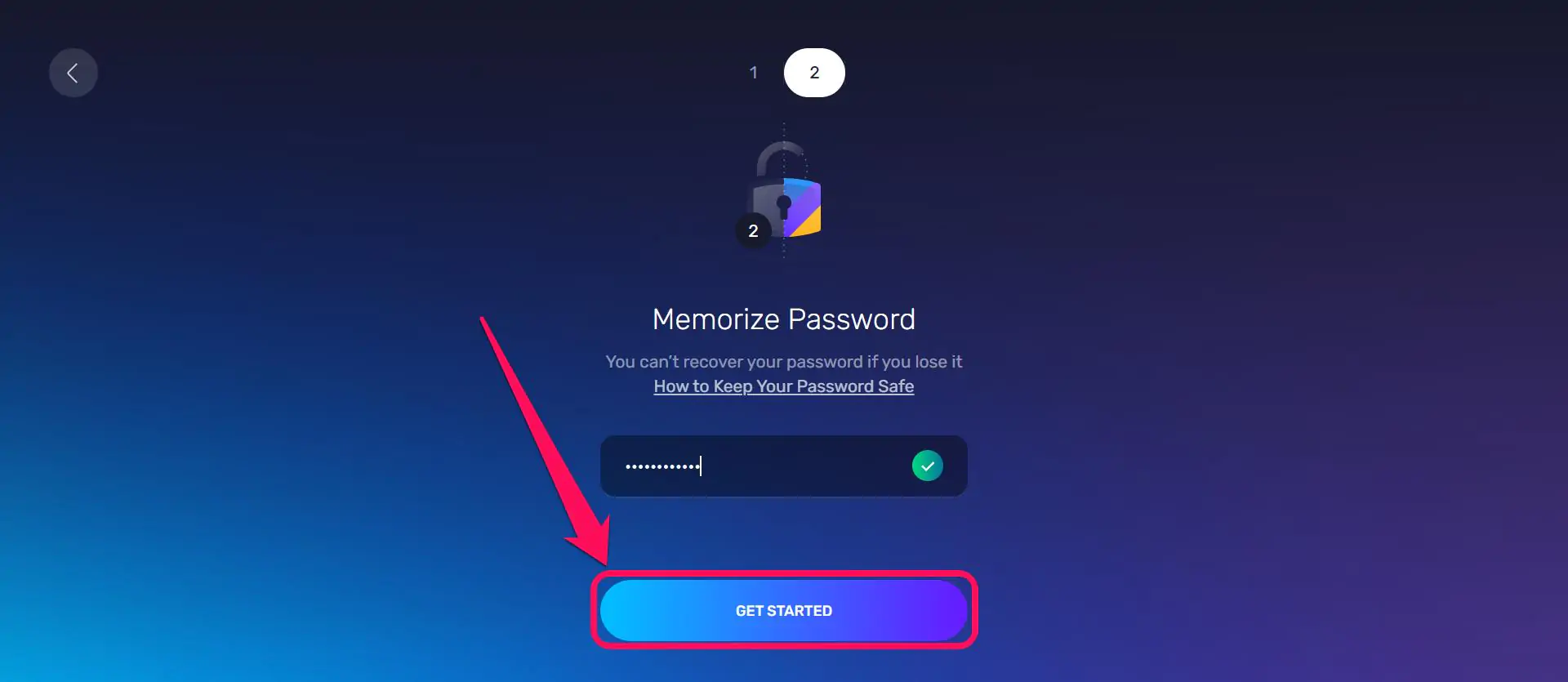
Step 3: Create a new password of at least 8 characters and click on Next to proceed.
Step 4: Next, confirm the password and click on “Get Started“.
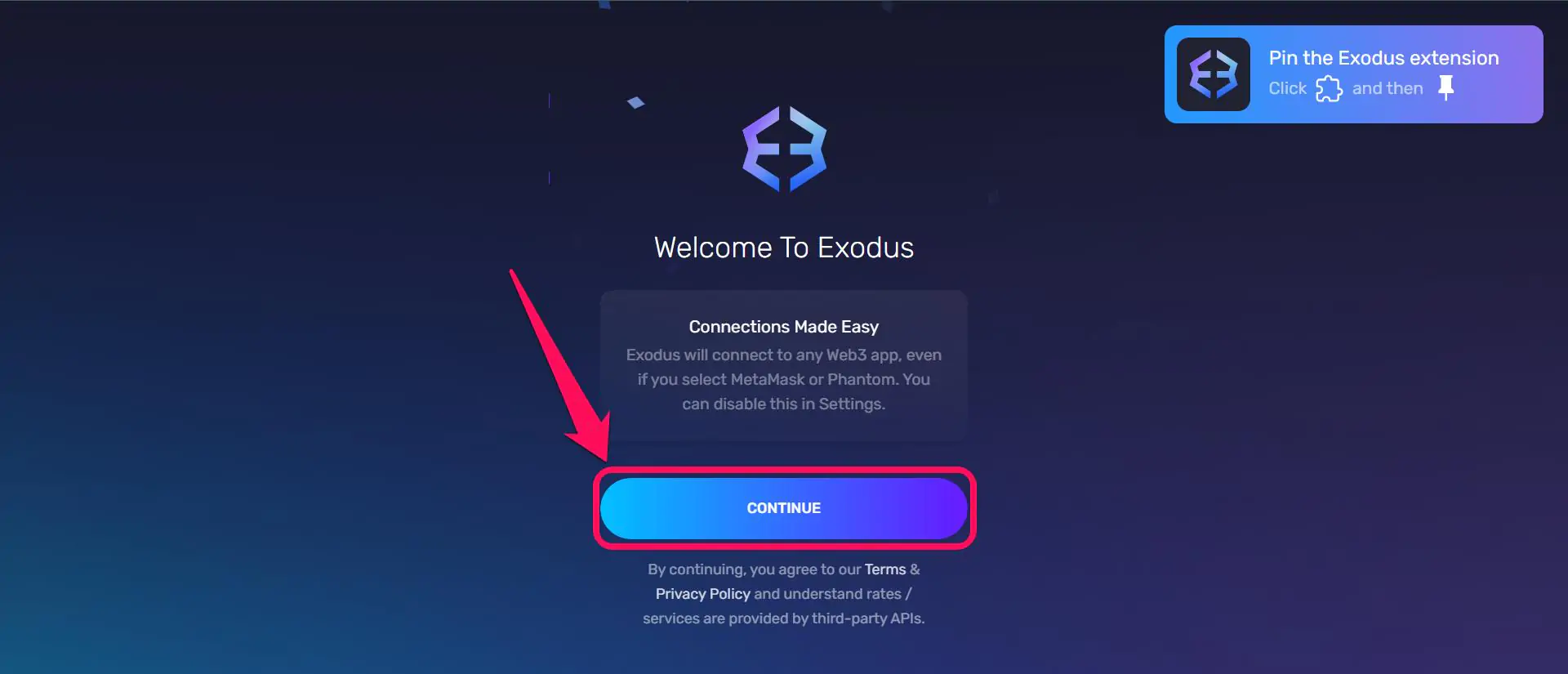
Step 5: After loading the next page, click on Continue and the wallet should lead you to a homepage where you can buy, sell, and swap coins. Once you have seen this, your wallet has been created.
Quick Tour of Exodus Wallet
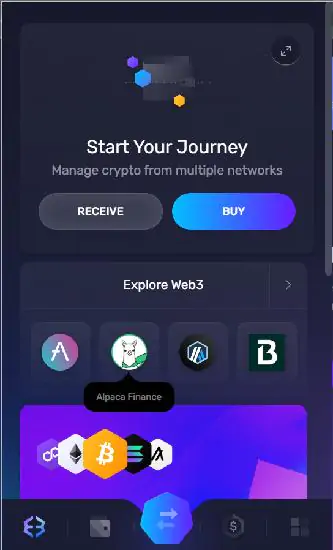
Once you launch the app, the Exodus Wallet displays a homescreen revealing a list of tokens you own and their current real-time fiat valuation. At the center of the screen, you can find quick access buttons to buy and sell crypto in the Exodus Wallet. To swap, click the parallel arrow icon at the bottom of the screen. You can also use the search bar (magnifier icon) to find and add new tokens to your wallet whenever you want to.
Bottom Line
It’s easy to get started with Exodus Wallet, and its intuitive interface sets you up for smooth crypto management. The multichain wallet is ideal for users looking to explore a wide range of crypto networks simultaneously, all within one app. Suppose you have created the Exodus Wallet but want to try another wallet with similar features. In that case, check out our guide on how to get started with MetaMask.
FAQs
1. How can I buy crypto with the Exodus Wallet?
You can buy crypto directly in Exodus through various third-party fiat API providers using multiple payment methods, including debit card, credit card, bank account, PayPal, Apple Pay, or Google Pay. Click the buy button on the wallet homepage to get started.
2. Can I connect a hardware wallet to Exodus?
Yes, Exodus supports Ledger on Mobile and Trezor on Desktop. You can use a hardware wallet with Exodus to help protect your crypto by storing your secret key and private keys offline.
3. What happens when I back up my Exodus wallet with iCloud or Google services?
Once you’ve backed up your wallet, when you download Exodus on a new phone, you can sign in with your passkey manager and iCloud or Google account to restore your wallet.




