


- •You can delete your Bitvavo account through Settings and confirm the request by email.
- •Sell or withdraw every balance, including crypto amounts worth less than €5.
- •Bitvavo may retain certain records after closure to meet legal requirements.
Deleting a crypto exchange account can feel stressful, especially when it holds your personal information, transaction history, and funds. Bitvavo keeps the process fairly simple, but there are a few things you need to go ahead and do first before moving forward. We will explain what is needed to delete Bitvavo account, the steps you need to follow, and what happens to your information once the account is closed.
What to Do Before Deleting Bitvavo Account
Before closing your Bitvavo account, you need to settle any remaining activity and save the records you may require later. Complete the following steps before submitting your deletion request:
1. Cancel Open Orders: Review your Bitvavo account and cancel all open or pending orders so no further trades can be executed.
2. Withdraw Your Funds: Send your cryptocurrencies to another wallet or exchange. You can also sell them for euros and withdraw the money to your linked bank account.
3. Remove Small Balances: Crypto balances below Bitvavo’s minimum transaction amount may prevent you from emptying the account. Use Bitvavo’s small-balance feature to sell or remove these remaining amounts.
4. Disable Earn Services: Check whether any assets are allocated to Auto Earn, staking, or lending, and remove them before closing the account.
5. Disconnect API Keys: Delete any API keys connected to trading bots, tax software, portfolio trackers, or other external services.
6. Wait for Pending Transactions: Allow pending deposits, withdrawals, and bank transfers to finish before starting the deletion process.
7. Download Your Records: Save your transaction history, account statements, and tax reports because you may lose access to them after the account is closed.
How to Delete Bitvavo Account?
You can delete your Bitvavo account through the web platform. Before starting, make sure you can access the email address linked to your account, as Bitvavo uses it to confirm the deletion request.
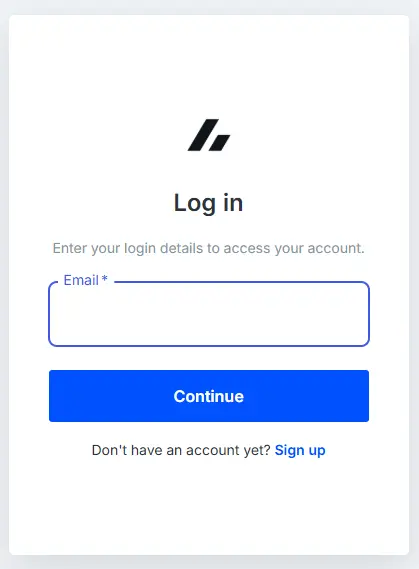
Step 1: Log in to your Bitvavo account through your web browser.
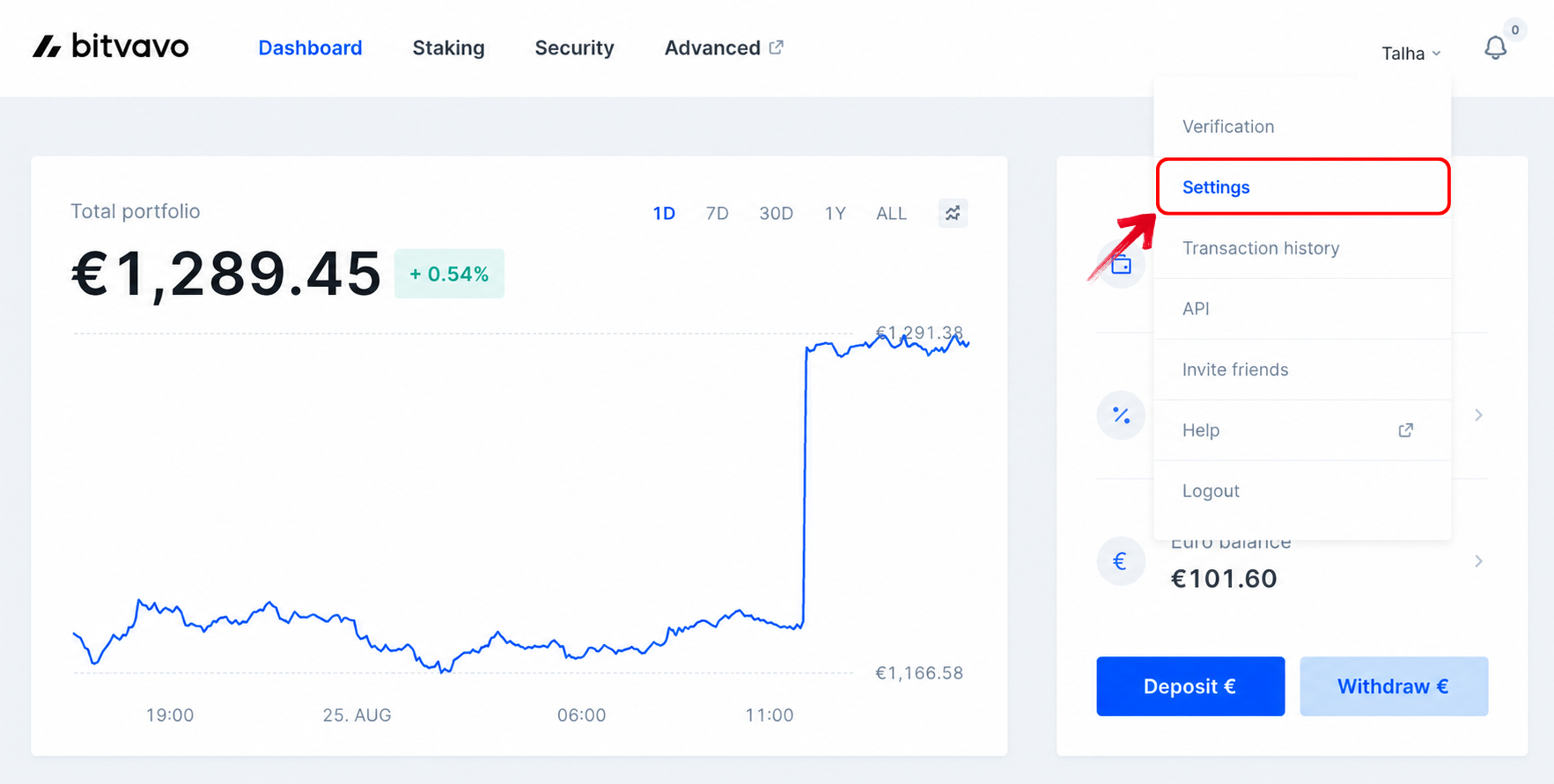
Step 2: Click your name in the top-right corner and select Settings from the drop-down menu.
Step 3: On the Account Settings page, scroll down and click Delete account.
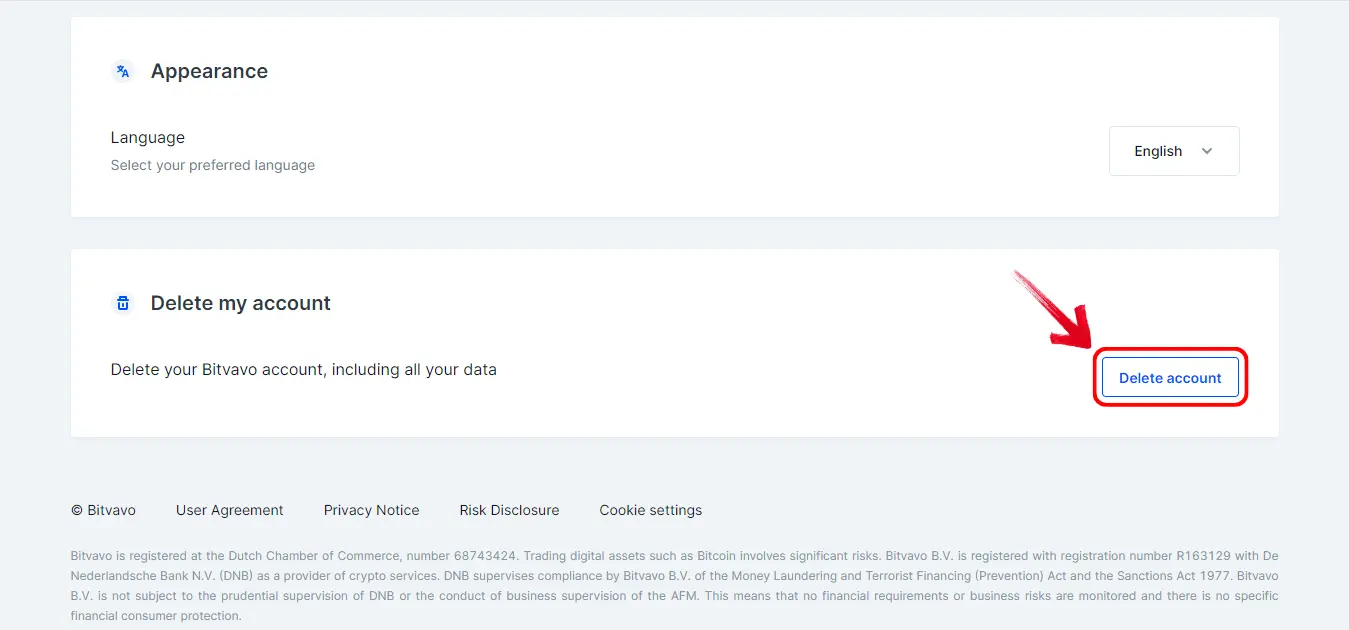
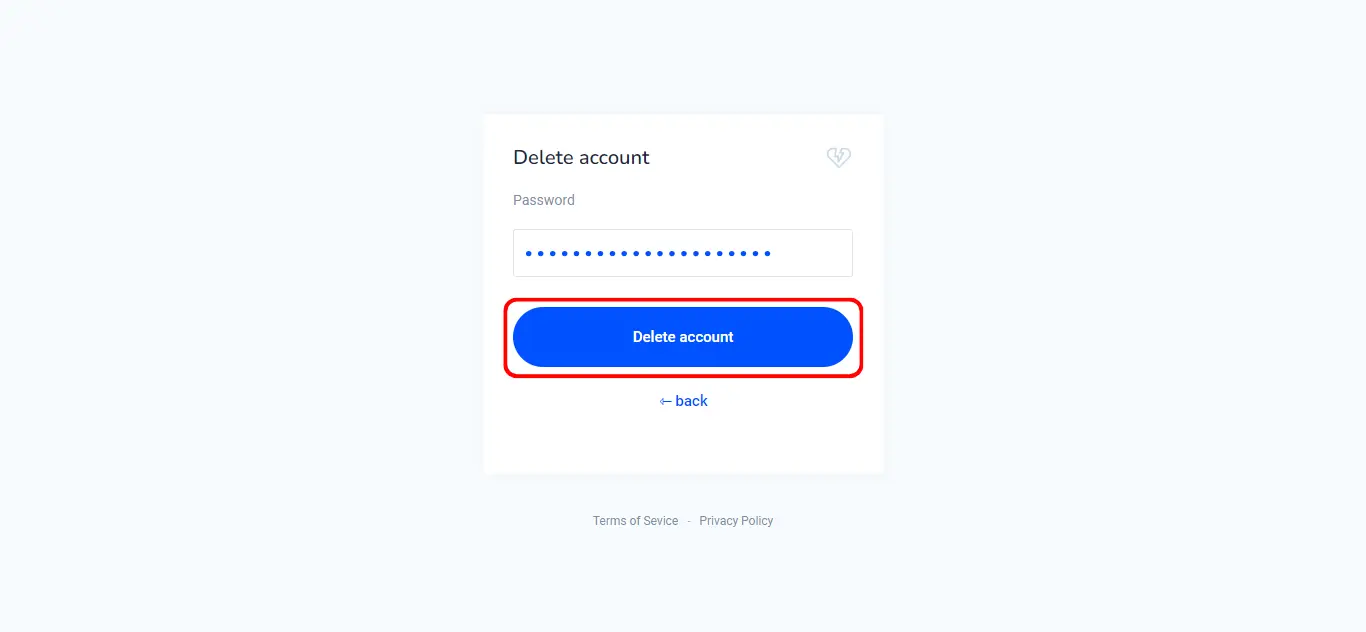
Step 4: Enter your Bitvavo password for verification, then click Delete account to submit the request.
Step 5: Bitvavo will send a confirmation email to your registered email address. Open the email and follow the provided instructions to complete the account deletion process.
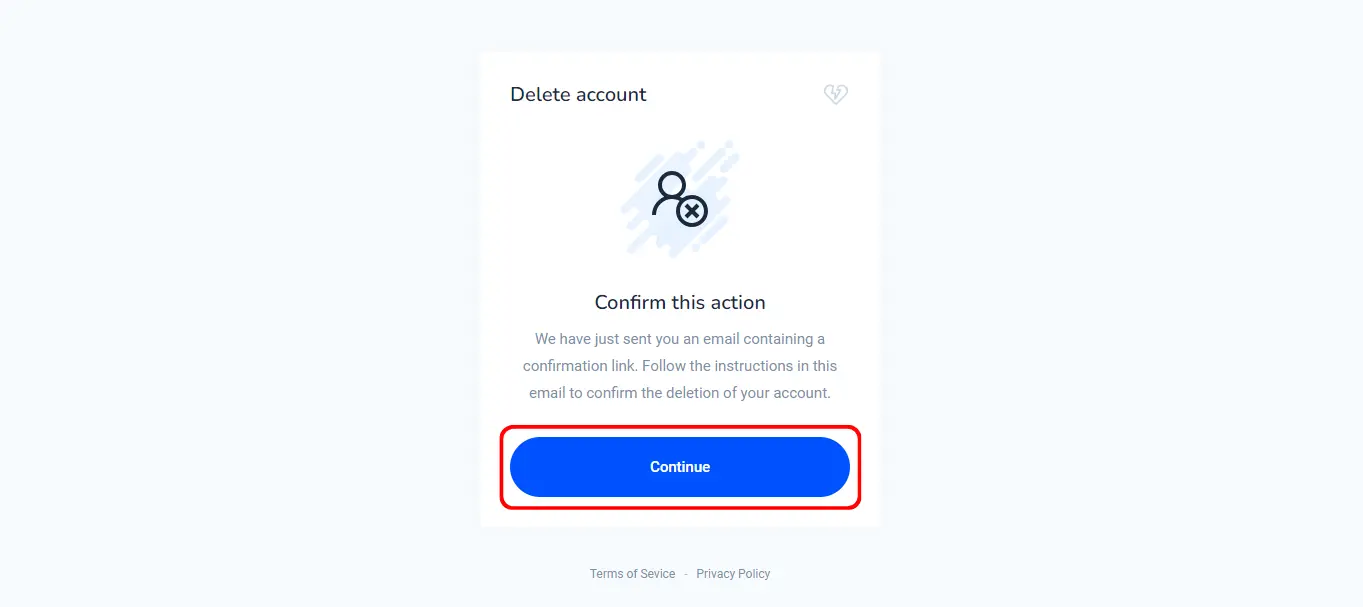
Once confirmed through email, your Bitvavo account will be closed and you will no longer be able to log in using the same account details.
How to Sell Small Balances Before Deleting Bitvavo
Small leftover balances are common if you have traded on Bitvavo for some time. When closing your account, you may want to withdraw or sell everything, but Bitvavo normally has a minimum transaction amount of €5. While Bitvavo does not clearly state that a small balance will prevent account deletion, removing it beforehand ensures no funds are left behind.
You can sell your entire small balance by following these steps:
- Open the cryptocurrency with the remaining balance.
- Select Sell and choose a market order or price guarantee order.
- Tap Max to select your complete available balance.
- Review the transaction and sell the full amount in one order.
Bitvavo no longer provides a separate Remove dust button. Small balances are now handled through the regular trading screen using Max.
If the balance is so small that Bitvavo displays its value as €0.00, you can deposit or purchase more of the same cryptocurrency and then sell the complete balance.
What Happens After Deleting Bitvavo?
Once you confirm the request through email, your Bitvavo account and the data connected to its active use will be deleted. You will no longer be able to sign in or access its trading features. However, “deleting all data” does not necessarily include records Bitvavo must retain by law. Tax-related information may be stored for 7 years, while certain identity, transaction, and anti-money-laundering records may be retained for 5 years after the account relationship ends.
Best Bitvavo Alternatives
If you are leaving Bitvavo but still want to trade cryptocurrencies, BitMart is one option for users who prefer an exchange without mandatory KYC. It supports a large selection of cryptocurrencies and offers leverage of up to 200x on selected futures contracts. BitMart is available across several European countries, although users from the Netherlands are restricted from accessing its services.
Ourbit is another option and is also available to US traders. The exchange offers optional KYC and zero trading fees, making it suitable for users who want to trade without completing identity verification or paying standard maker and taker fees. However, availability and account features may vary depending on your location.
Bottom Line
It only takes a few minutes to delete Bitvavo account, but the small balances left in your wallet are easy to miss. Once those are handled and you confirm the request through email, your account will be closed. If leaving Bitvavo is part of switching to another exchange, you can check our list of the safest crypto exchanges to find a platform that better matches how and where you trade.
FAQs
1. Why Can’t I Withdraw All My Crypto Before Closing Bitvavo?
Minimum withdrawal amounts and network fees may prevent you from sending the entire balance. You can sell the remainder for euros or check the asset’s withdrawal limits.
2. Can I Delete My Bitvavo Account If It Is Blocked?
A blocked account may prevent you from accessing the deletion settings. Contact Bitvavo support to resolve the restriction and request account closure.
3. What Should I Do If the Bitvavo Deletion Email Does Not Arrive?
Check your spam folder and confirm you are viewing the registered inbox. If the email still does not arrive, contact Bitvavo support.
4. Can I Delete Bitvavo Without Access to My Registered Email?
The standard process requires confirmation through your registered email. Contact Bitvavo support if you no longer have access to that address.
5. Will Bitvavo Delete My KYC and Transaction Records?
Not immediately in every case. Bitvavo may retain AML-related records for 5 years and tax-related information for 7 years.
6. What Happens to My Staking or Lending Balance After Account Closure?
No, you must remove your assets from staking or lending and withdraw or sell them before closing the account. If assets are locked in Fixed Staking, you can wait until the term ends or withdraw early and forfeit the accrued rewards.
7. How Can I Empty Small Crypto Balances Before Deleting My Bitvavo Account?
Select the asset, choose a market or price guarantee sell order, and tap Max to sell the entire balance, even when it is €5 or less.