



- •Kibisis wallet is a non-custodial AVM wallet built specifically for the Algorand and Voi networks.
- •Users can easily add their favorite tokens to the wallet by entering the token details in the “Add Asset” section.
- •You do not need to create a new account to switch between Algorand and Voi on the Kibisis wallet.
Managing assets across the Algorand ecosystem and its derivatives, Voi, can require jumping between different interfaces, thereby making things clunky and confusing. Kibisis Wallet solves this by providing a single, unified gateway for AVM-based assets and dApps across both networks. Although the wallet’s interface is designed for simplicity, setting it up to manage multiple networks without disruption can be a hurdle, especially for new Algorand users. This guide simplifies that process and shows you how to get started with Kibisis Wallet, taking you from the official download to your first on-chain interaction in just a few steps.
Why You Need Kibisis Wallet
You need the Kibisis wallet if you want multi-network access within Algorand without juggling multiple wallets. The wallet lets users explore all of Algorand’s features, including staking opportunities, asset trading, and Voi interaction. Also, Kibisis supports ASA tokens, ARC-0200 smart contracts, and ARC-0072 NFTs, all of which are native to the Algorand ecosystem.
Also, the Kibisis wallet prioritizes security and user privacy. It is non-custodial, meaning your private keys remain on your local device, providing additional protection against cyberattacks and reducing reliance on third parties. The wallet also includes direct message signing (signBytes), enabling authentication and secure interaction with dApps and identity protocols on Algorand.
Lastly, Kibisis users can add any set asset to make it visible on the wallet at any time. Its “Add Asset” feature lets you access any token you want to explore, even when it’s unpopular and not visible in many wallets by default.
Getting Started With Kibisis Wallet
To get started with Kibisis Wallet, you need to install the official app and set up a new account. Kibisis is primarily available as a browser extension wallet with additional mobile support for Android. iOS support is tagged “coming soon” on the official Kibisis website, so keep an eye out for updates if you’re an Apple iOS user.
Download
You can either install the Kibisis browser extension to access the wallet on your PC, or install the mobile app on Android. The step-by-step guide below focuses on installing the Kibisis browser extension:
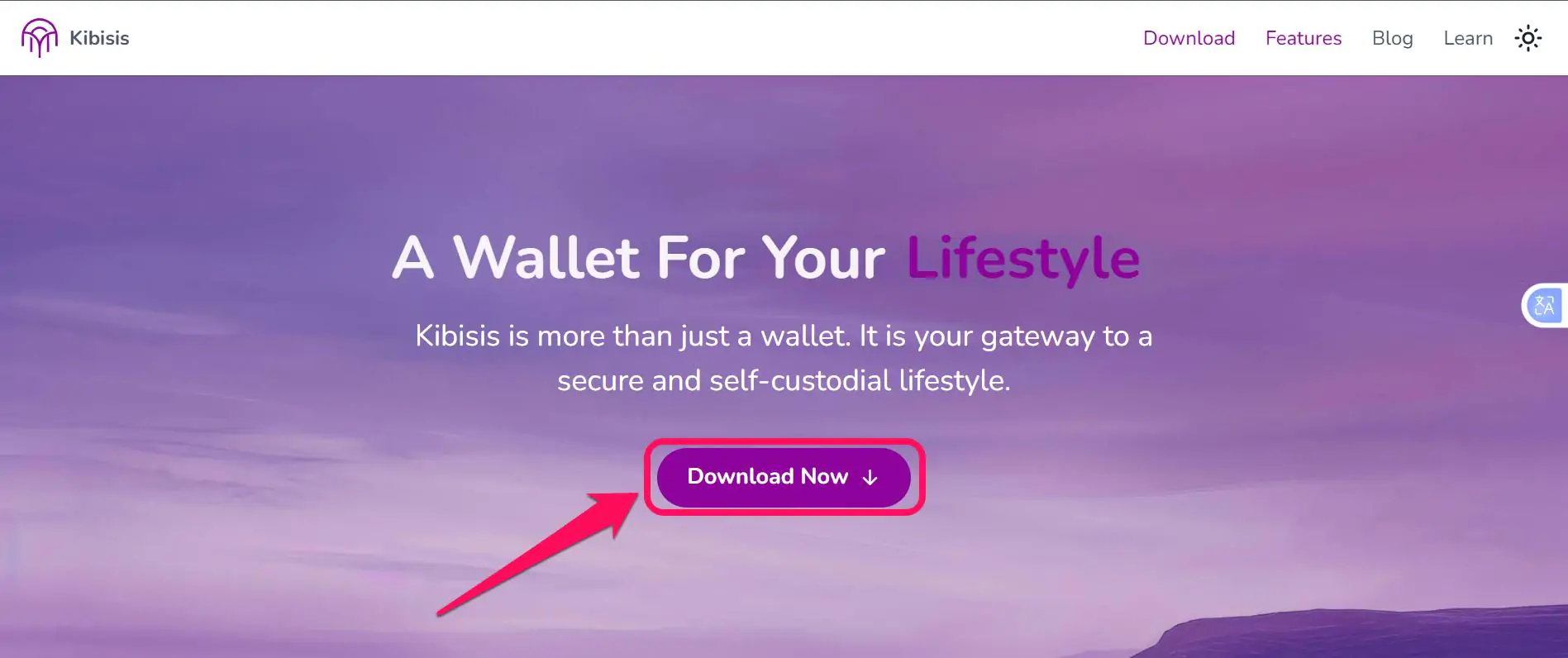
Step 1: Head to the official Kibisis website and click on “Download Now“.
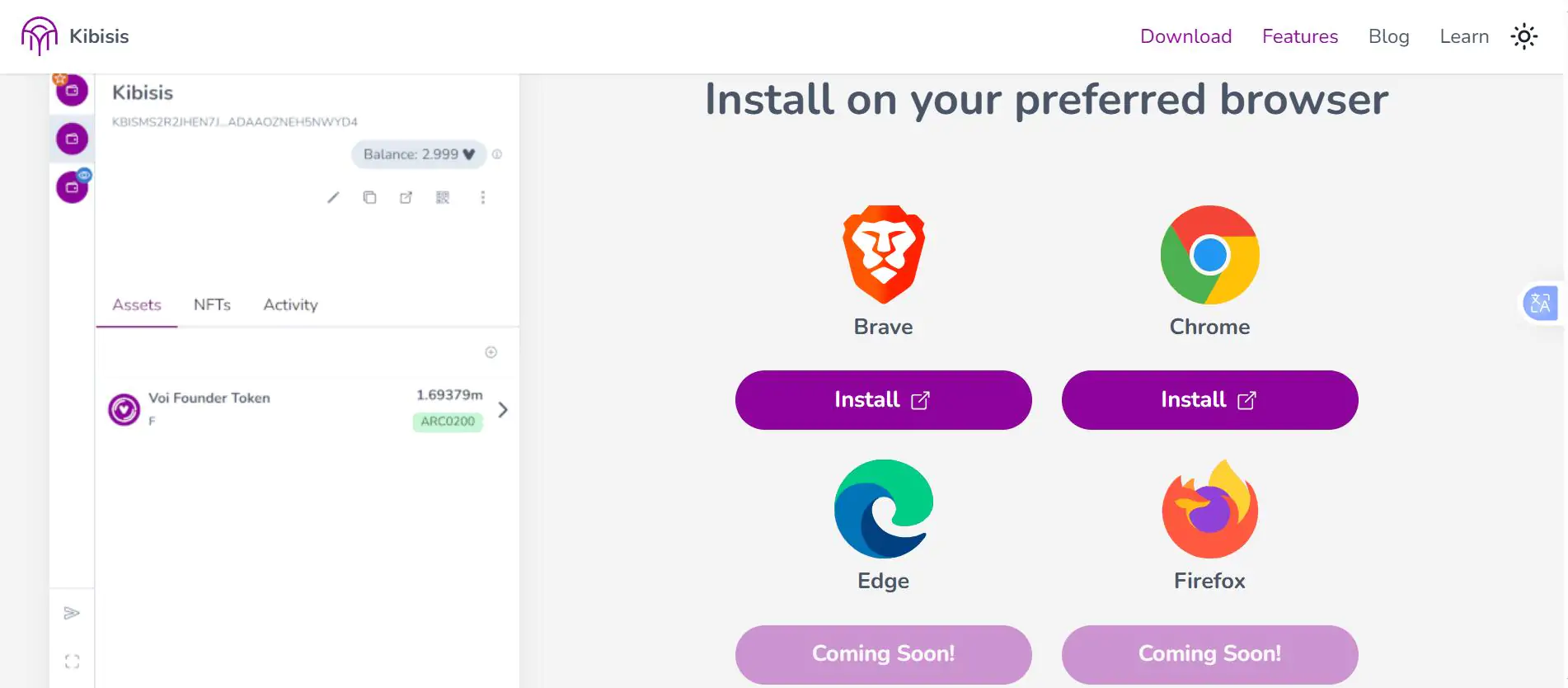
Step 2: Select and download the right extension for your browser.
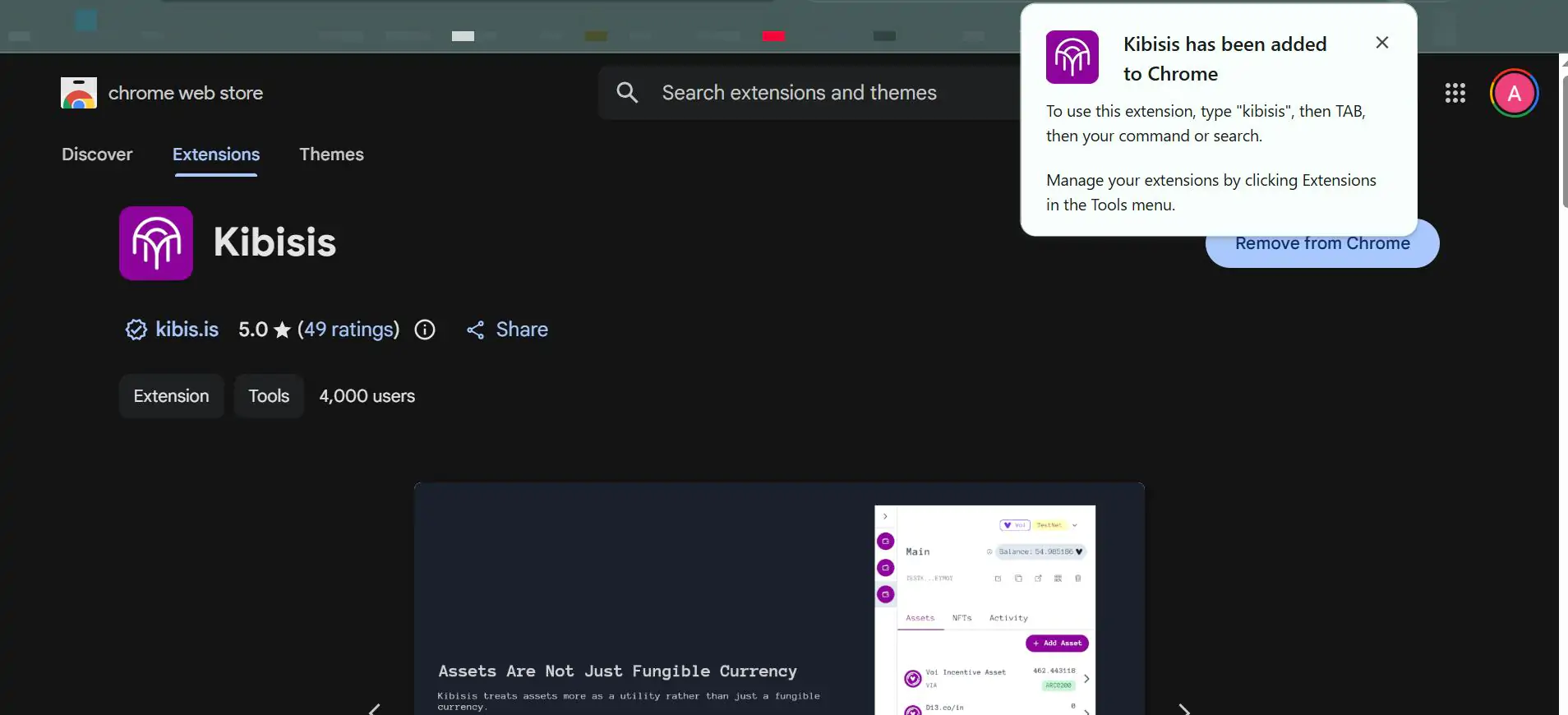
Step 3: Wait till the installation is complete, then pin the extension on your toolbar for easier access.
Step 4: Launch the Kibisis extension to get started.
Wallet Creation
Once the Kibisis Wallet extension or mobile app is successfully installed on your device, you’re ready to create an account to explore Algorand. Follow the steps below to create your new Algorand wallet on Kibisis:
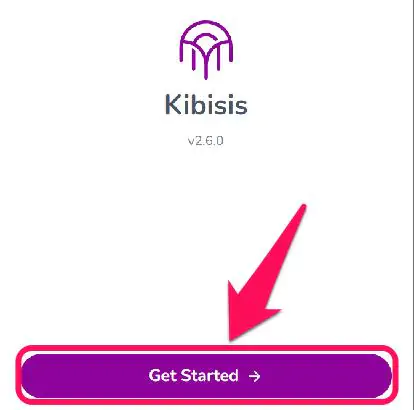
Step 1: Open the Kibisis extension and tap Get Started on the onboarding page to begin.
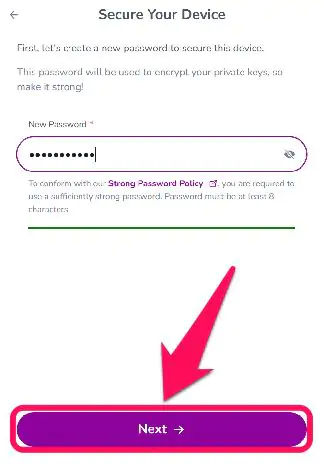
Step 2: Create a password to access your wallet on this browser only. Click Next to proceed.
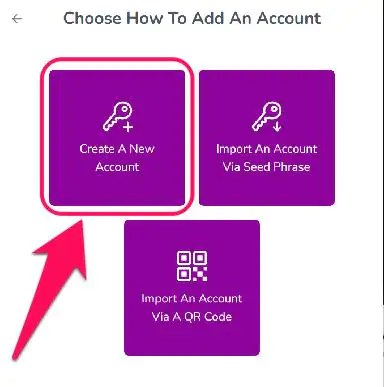
Step 3: Tap Create a New Account.
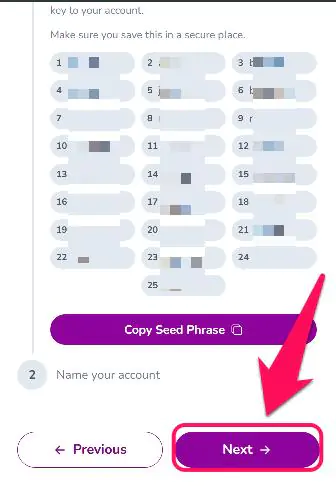
Step 4: Kibisis will display your wallet’s 25-word seed phrase. Make sure you write it on paper and store it somewhere safe, then click Next.
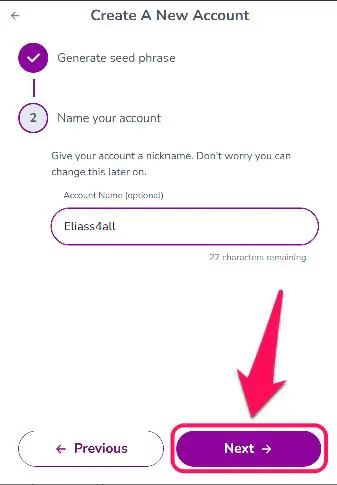
Step 5: Name your account and click Next.
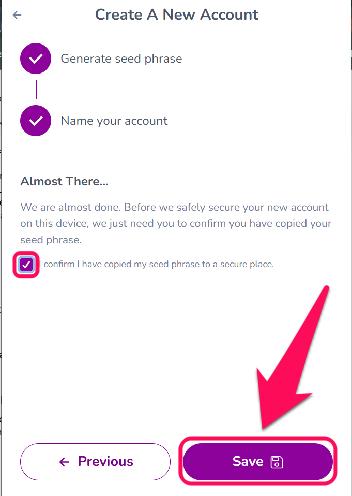
Step 6: Finally, check the box to confirm you have saved your seed phrase in a secured place. Once completed, your Kibisis wallet account is ready.
Quick Tour of Kibisis Wallet
The Kibisis wallet features a beginner-friendly interface and well-organized navigation for a smooth experience. On the homepage, you can switch between Assets, NFTs, and Activity sections to view your Algorand portfolio accordingly. You’ll also find your wallet address and one-tap buttons to copy address, send tokens, or scan QR Codes to send and receive ADA tokens.
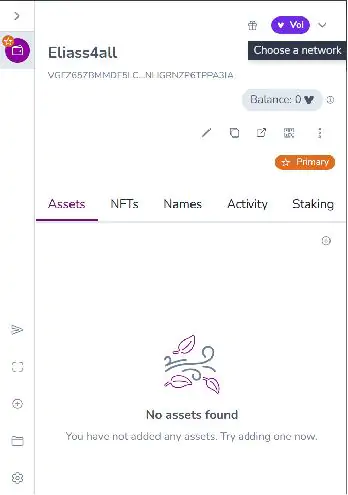
The Add Asset button at the center of the screen allows you to add any ASA and ARC200 tokens to your wallet as many times as you like. At the top right of the screen, you’ll find the network toggle feature that allows you to switch between Algorand and Voi mainnet and testnet networks whenever you want. Lastly, you can make modifications to your wallet from the Settings (gear icon) page.
Bottom Line
Kibisis wallet is built specifically for users who want the full Algorand and Voi ecosystem experience. It perfectly unifies both networks, allowing users to manage assets, identities, and transactions across both chains from a single interface. This perk is useful if you’re active in Algorand-based DeFi, NFTs, and emerging Voi applications. However, you can get started with Defly Wallet if you prefer an Algorand-exclusive wallet where you can trade tokens in real time and explore $ALGO staking opportunities.
FAQs
1. Can the Kibisis wallet switch between Algorand and Voi without creating new wallets?
Yes, Kibisis allows seamless switching between Algorand and Voi networks within the same wallet interface. Select your preferred blockchain from the network toggle options to switch at any time.
2. Does Kibisis Wallet have a token?
At the time of writing, the Kibisis wallet does not have an official native token. However, the team announced in a 2024 blog post that the $KIBI token is in the works and that updates will be announced soon.
3. Can I buy $ALGO from the Kibisis wallet?
No, Kibisis does not have a native “buy” button to purchase $ALGO with fiat currency. To get $ALGO in your wallet, you have to buy it elsewhere (like an exchange) and send it to your Kibisis wallet address.




