- •Eternl Wallet is available as a web app, mobile app, and browser extension.
- •The wallet supports Cardano dApp connections, accessing DeFi platforms, and storing ADA simultaneously.
- •Eternl allows users to delegate ADA to over 3000 Cardano stake pools directly from the app.
As the Cardano blockchain evolves with new DeFi platforms and token launches, you need a platform that can interact with dApps and manage tokens effectively. Many wallets focus on basic ADA storage, leaving users with limited tools for interacting with dApps, tokens, and staking. The Eternl Wallet is an all-in-one, lightweight Cardano wallet that solves this problem easily. It allows you to store Cardano native tokens, connect to dApps, and delegate staking from a single interface. Follow the steps below to get started with the Eternl Wallet if you want to enjoy all ADA perks without downloading the full Cardano network.
Why You Need The Eternl Wallet
Eternl is an ideal option if you need a non-custodial wallet that combines token management, staking, and dApp connectivity. Eternl Wallet allows you to engage in DeFi activities and explore multiple crypto opportunities on the ADA network. It is designed as a lightweight wallet that allows users to connect to Cardano without downloading the full blockchain.
This perk makes it beginner-friendly, as new users can stake, store ADA, and perform DeFi activities instantly after installation. The app (developed by CCVault.io) supports storing and managing ADA and other Cardano-native assets, such as NFTs and stablecoins.
Additionally, Eternl Wallet supports ADA delegation to one of over 3000 Cardano stake pools directly from the staking interface within the app. Lastly, the Eternl Wallet is a fully open-sourced project that welcomes developer contributions and user feedback. So, if you have a suggestion for the app development, the wallet lets you lay your suggestions and complaints freely.
Getting Started With Eternl Wallet
To get started with Eternl Wallet, first download and install the app. Next, create a new wallet account and fund it with ADA using in-app funding features. This section breaks down the process of downloading and creating an Eternl account into simple, short steps.
Download
Eternl Wallet is available as a web app, a mobile app (iOS and Android), and a browser extension (Chrome, Edge, Brave, and Opera). You can access the wallet from any device and sync data across platforms after setup. Here’s how to download the Eternl Wallet app for your device:
Step 1: Visit the official Eternl Wallet website.
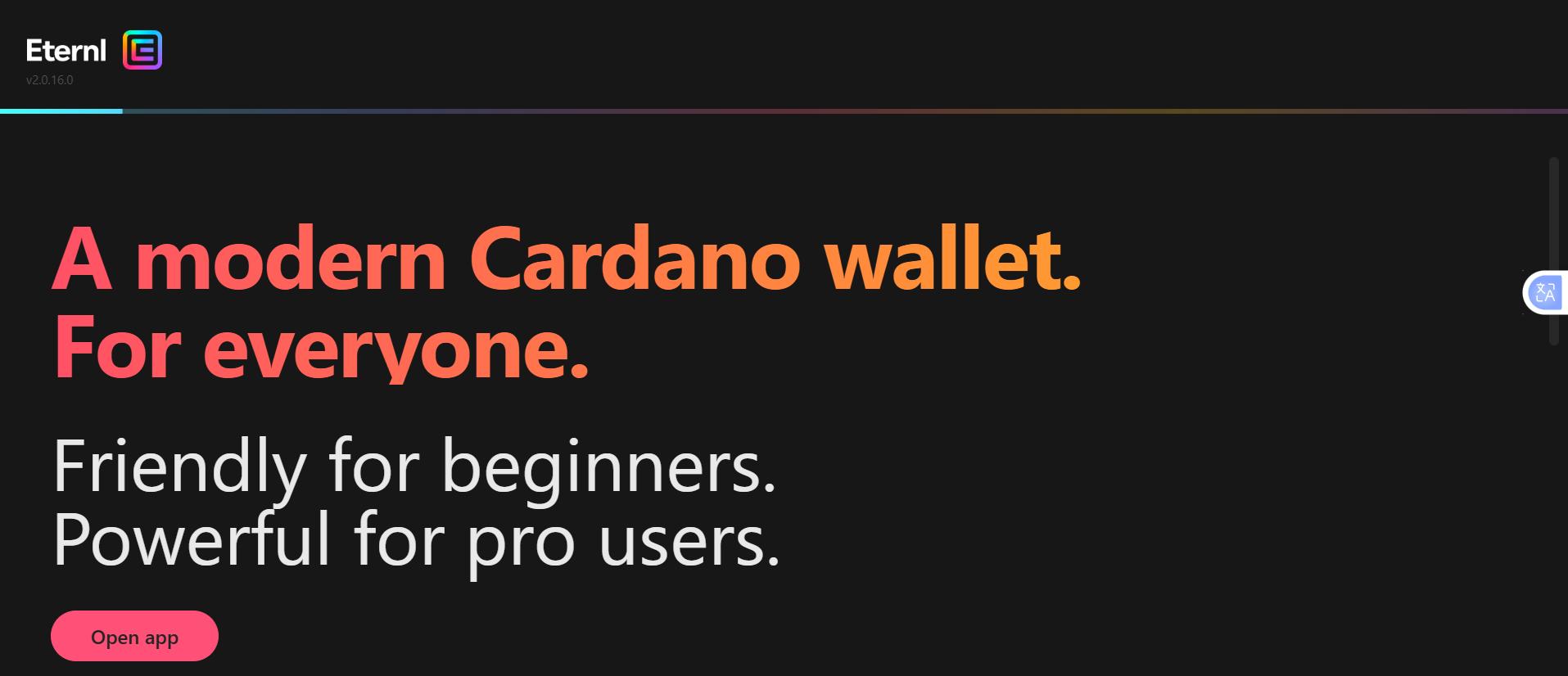
Step 2: On the homepage, select the appropriate download option for your device (browser extension, mobile app, etc).
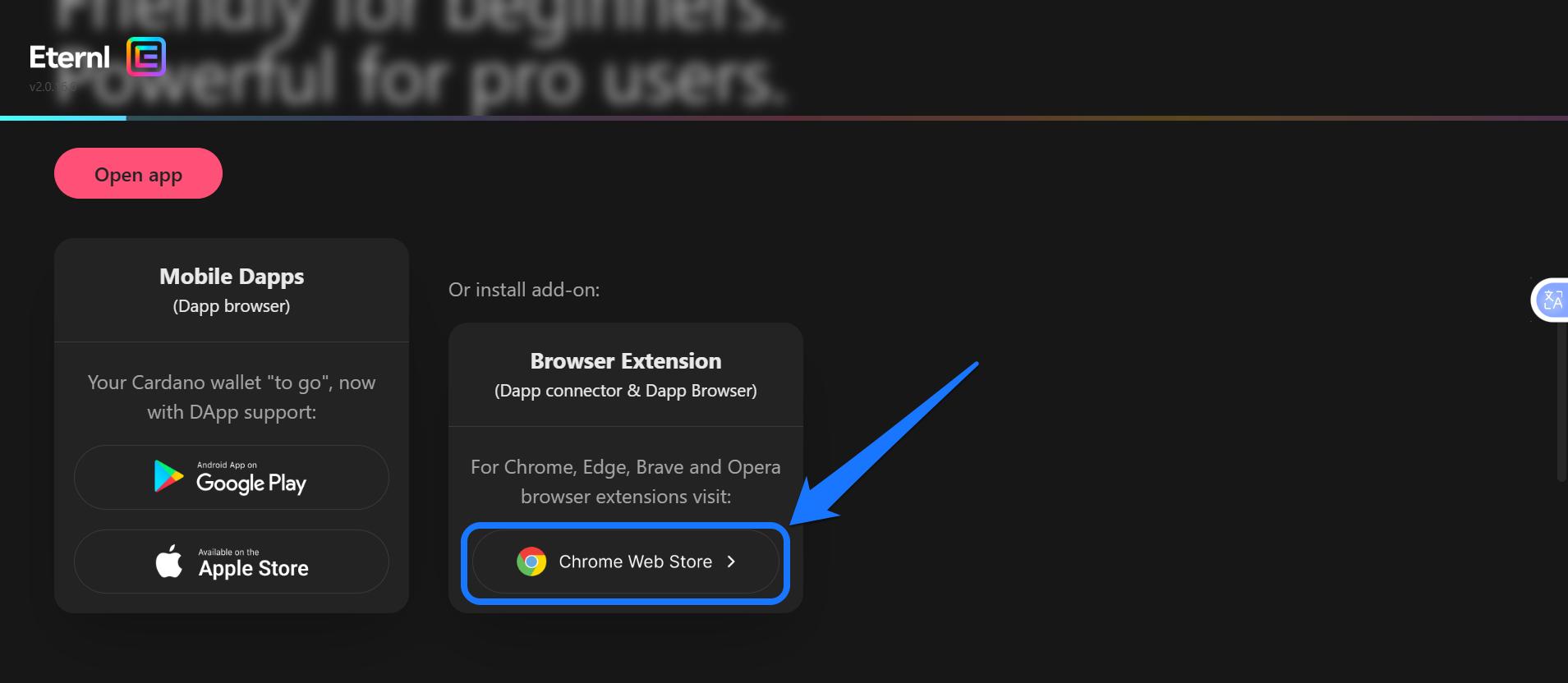
Step 3: Wait for the download to be successful. Once completed, you should see the Eternl Wallet app on your screen or browser extension tab.
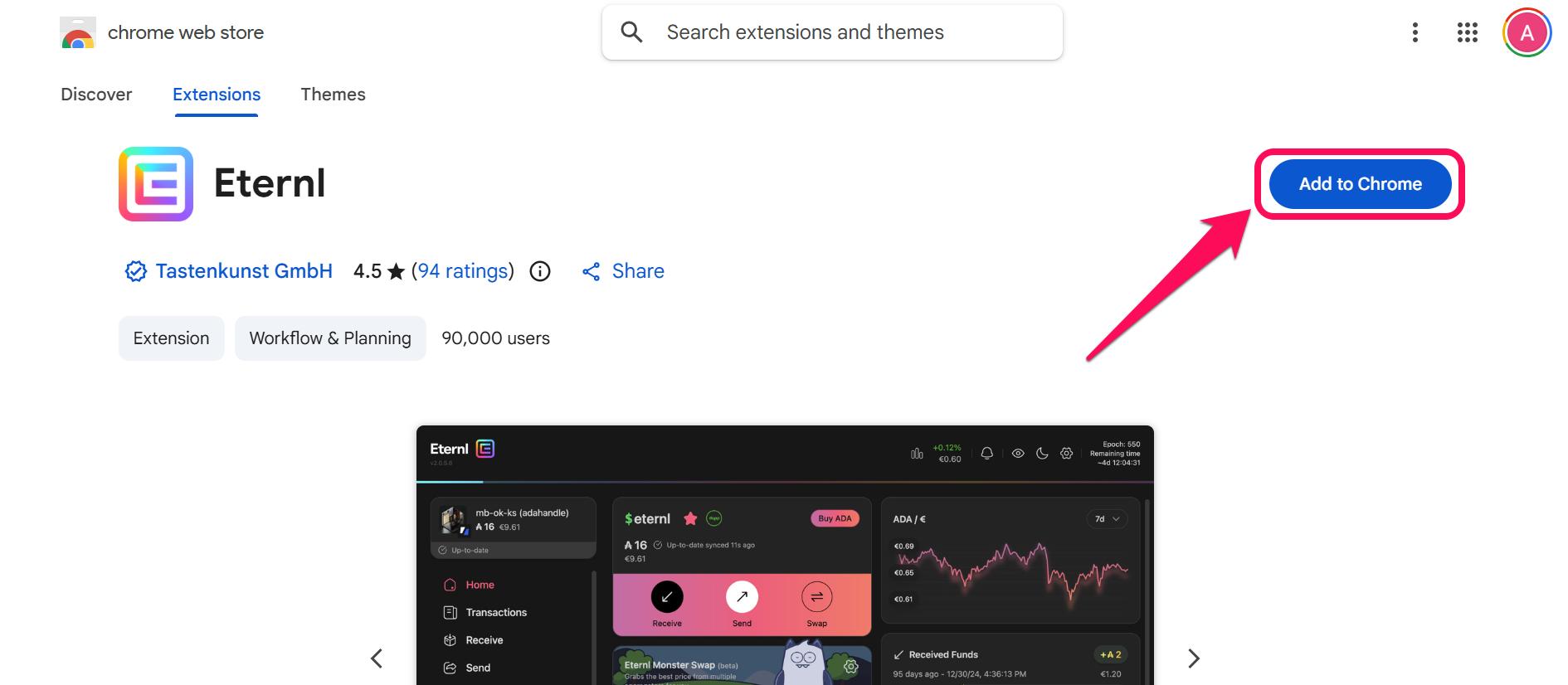
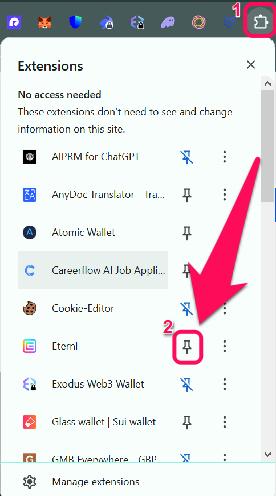
Step 4: If you chose the extension version, you can pin the app to your browser toolbar for easier access.
Wallet Creation
After installation, the next step is to create a wallet account to interact with Cardano immediately. Eternl provides users with a list of wallet creation options, including generating a new wallet, importing an existing seed phrase, connecting a hardware wallet, etc. We’ll provide steps to create a new Eternl Wallet below:
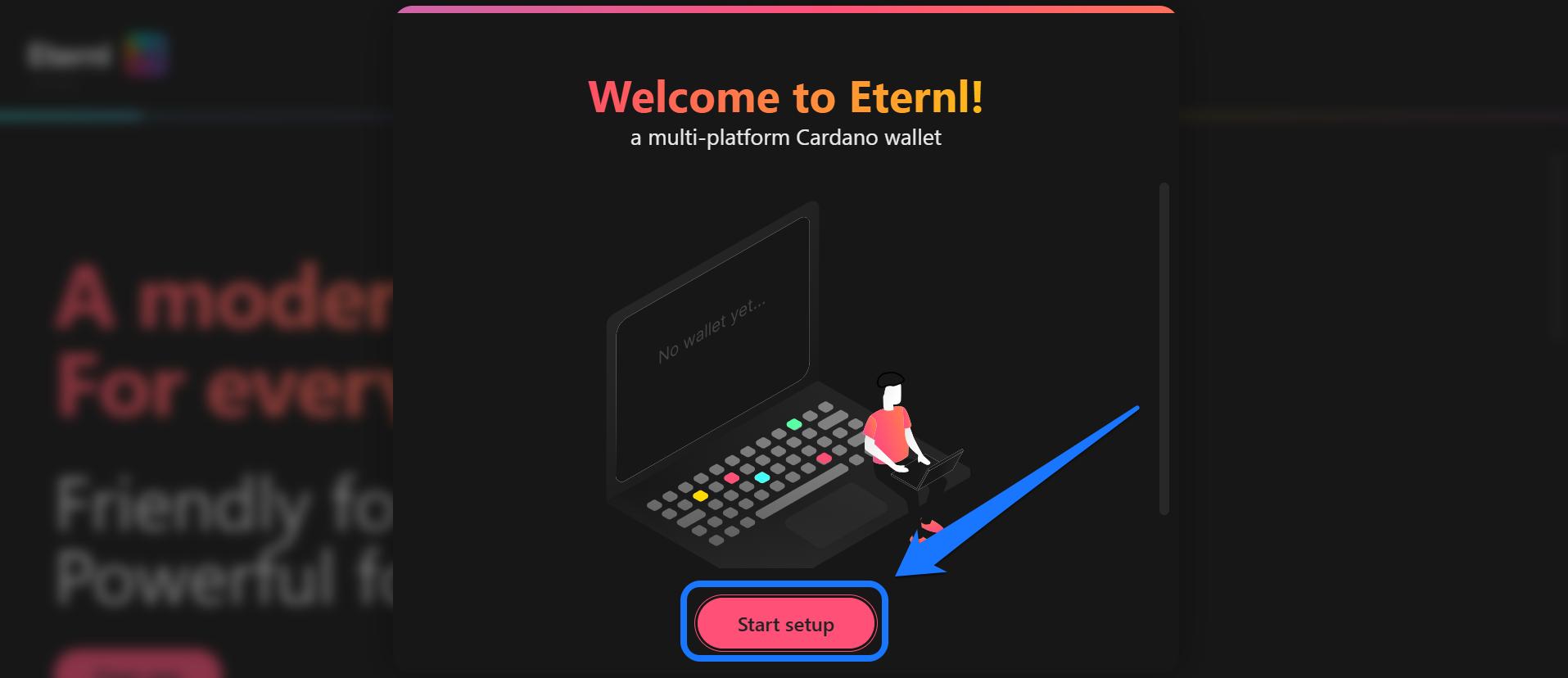
Step 1: Open the Eternl Wallet you successfully installed (i.e., web app, browser extension, or mobile app) and click Start setup.
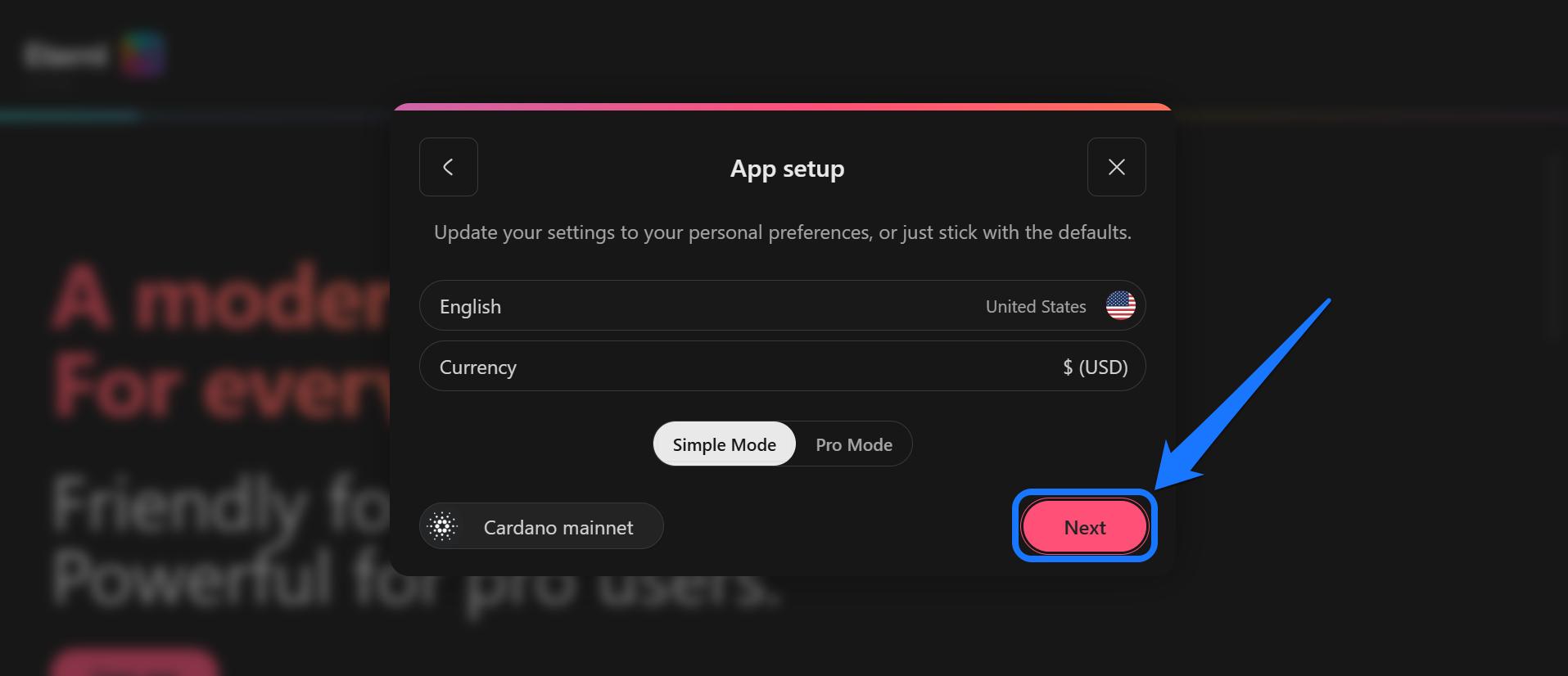
Step 2: Select your preferred display language and currency (e.g., USD), then click Next to proceed.
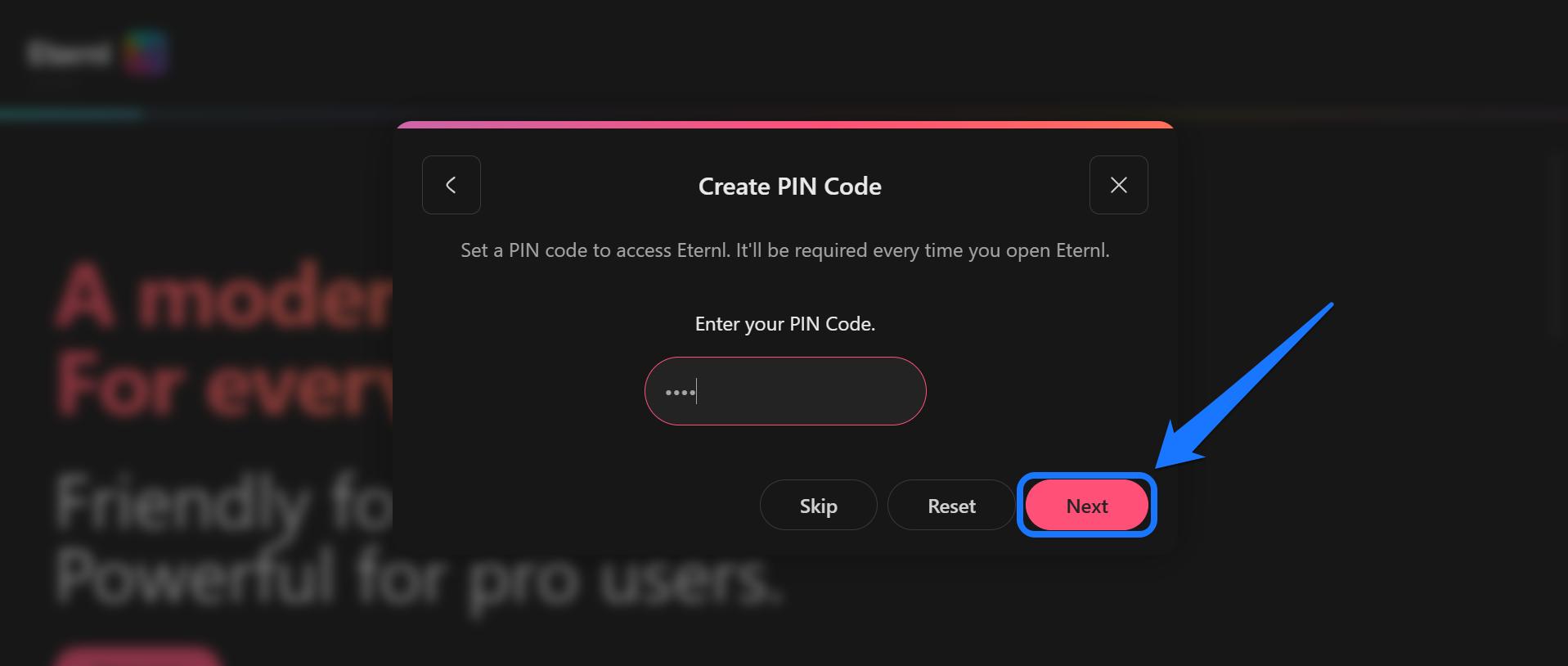
Step 3: Create and confirm a PIN for your new account and click Next.
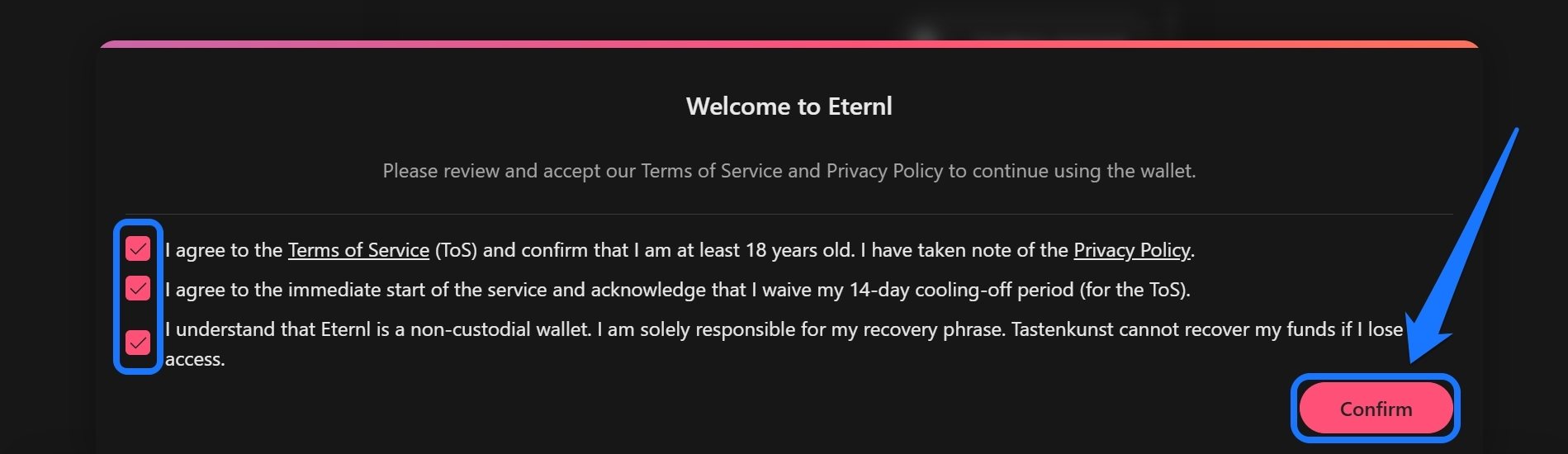
Step 4: Next, agree to the Terms of Service and Privacy Policy, and click Continue after checking the boxes.
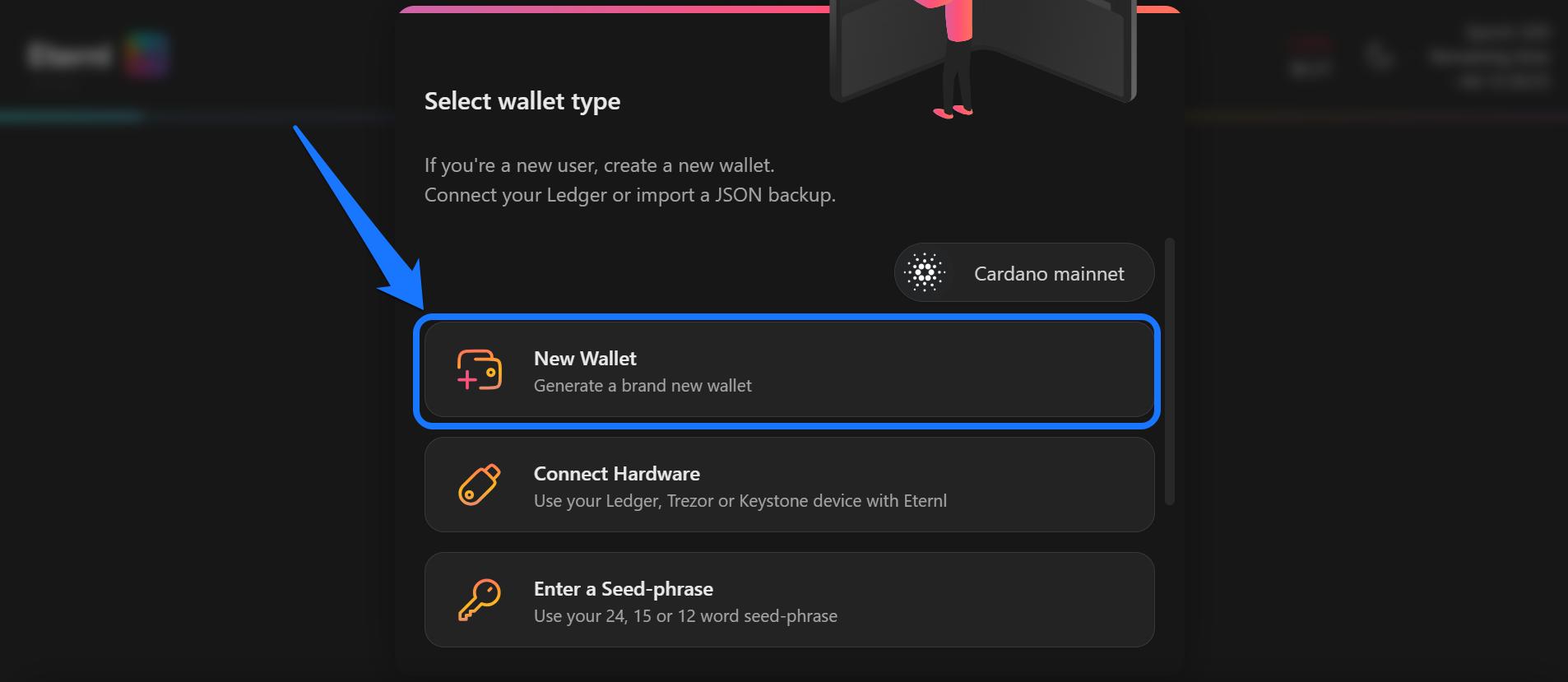
Step 5: Select New Wallet to generate a new Eternl Wallet account.
Step 6: Tap Show recovery phrase, then write the displayed words on paper and click Next to confirm the phrase by selecting the words in the correct order when prompted.
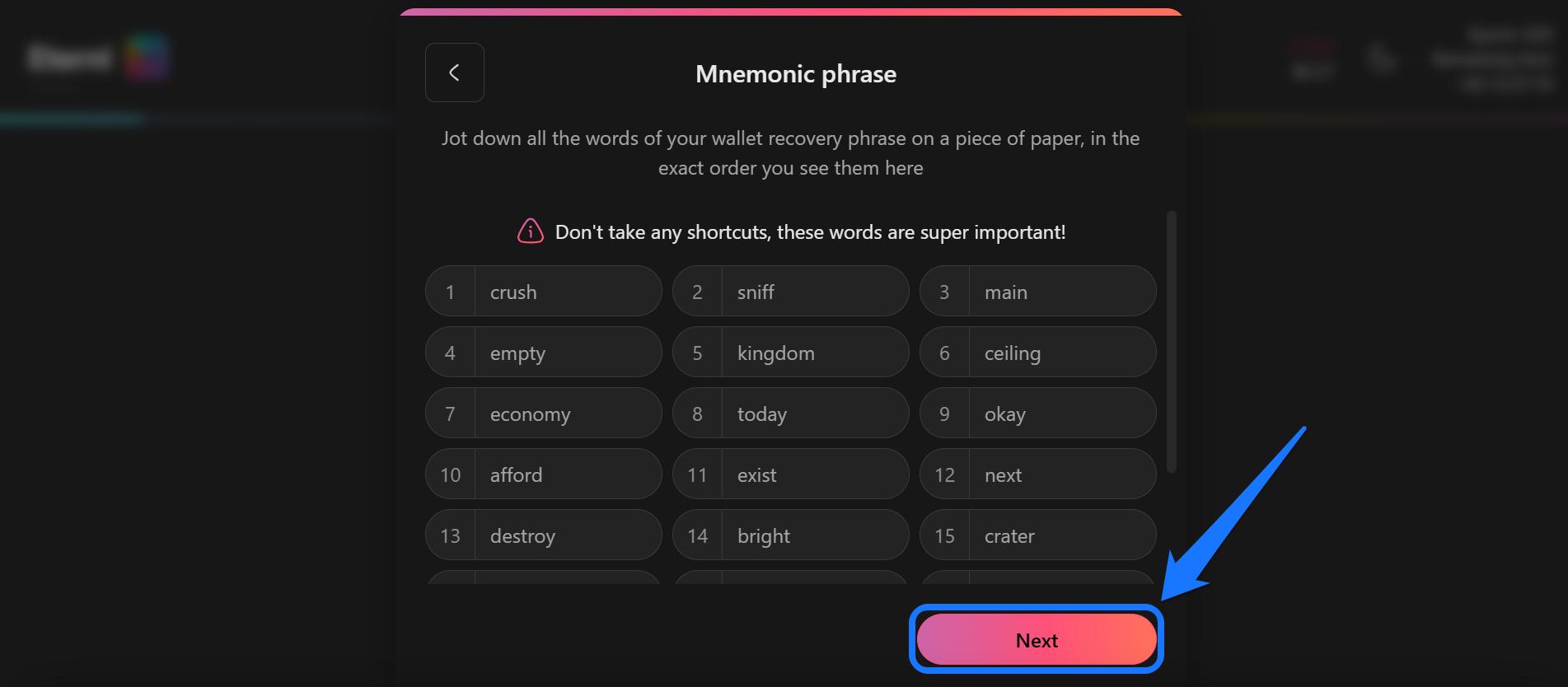
Tip: Ensure no one is peeking at your screen when at this stage.
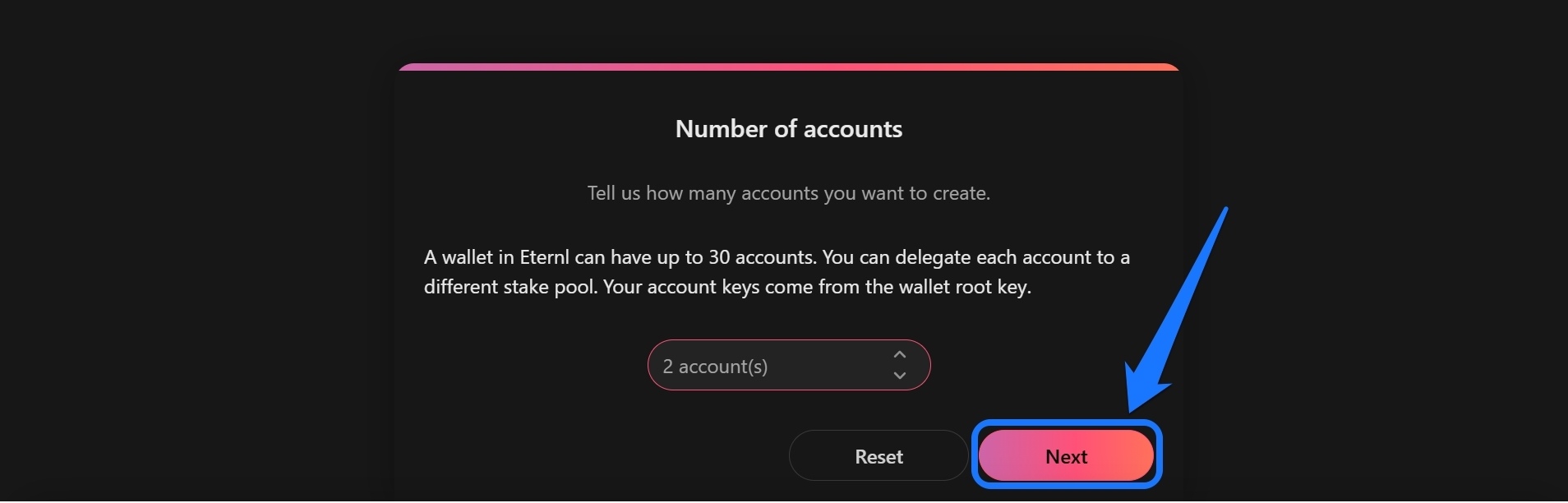
Step 7: Set the numbers of accounts you wish to create and click Next.
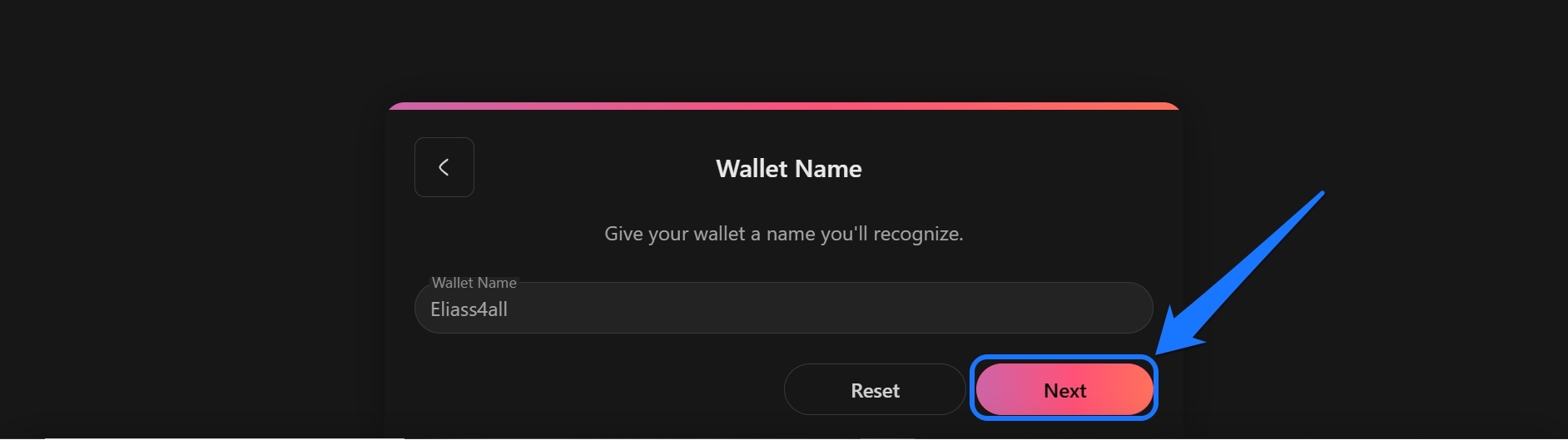
Step 8: After that, input your preferred Wallet Name in the text field.
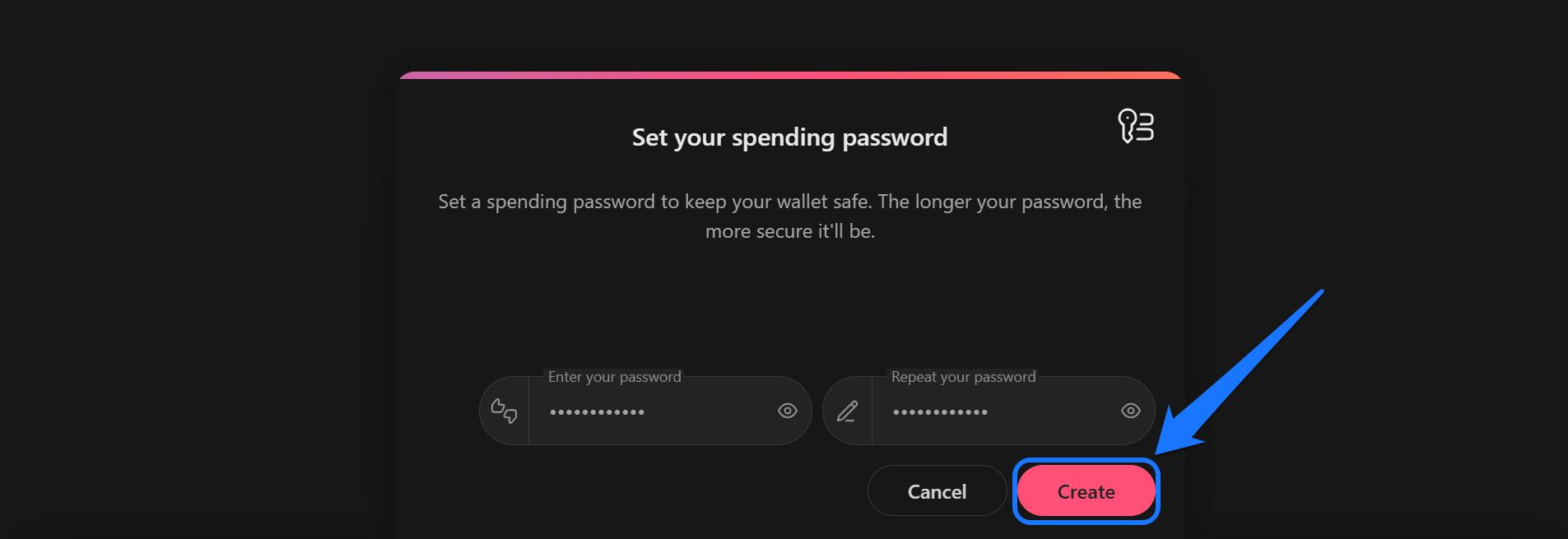
Step 9: Finally, set and confirm a spending password and click Create to complete the setup.
Quick Tour of the Eternl Wallet
Eternl Wallet’s interface is designed to give users quick access to Cardano assets and network features using simple tools and buttons. On the homepage, the app displays ADA balance, token holdings, and recent transactions. The send and receive options also allow users to transfer ADA or generate receiving addresses with a single tap.
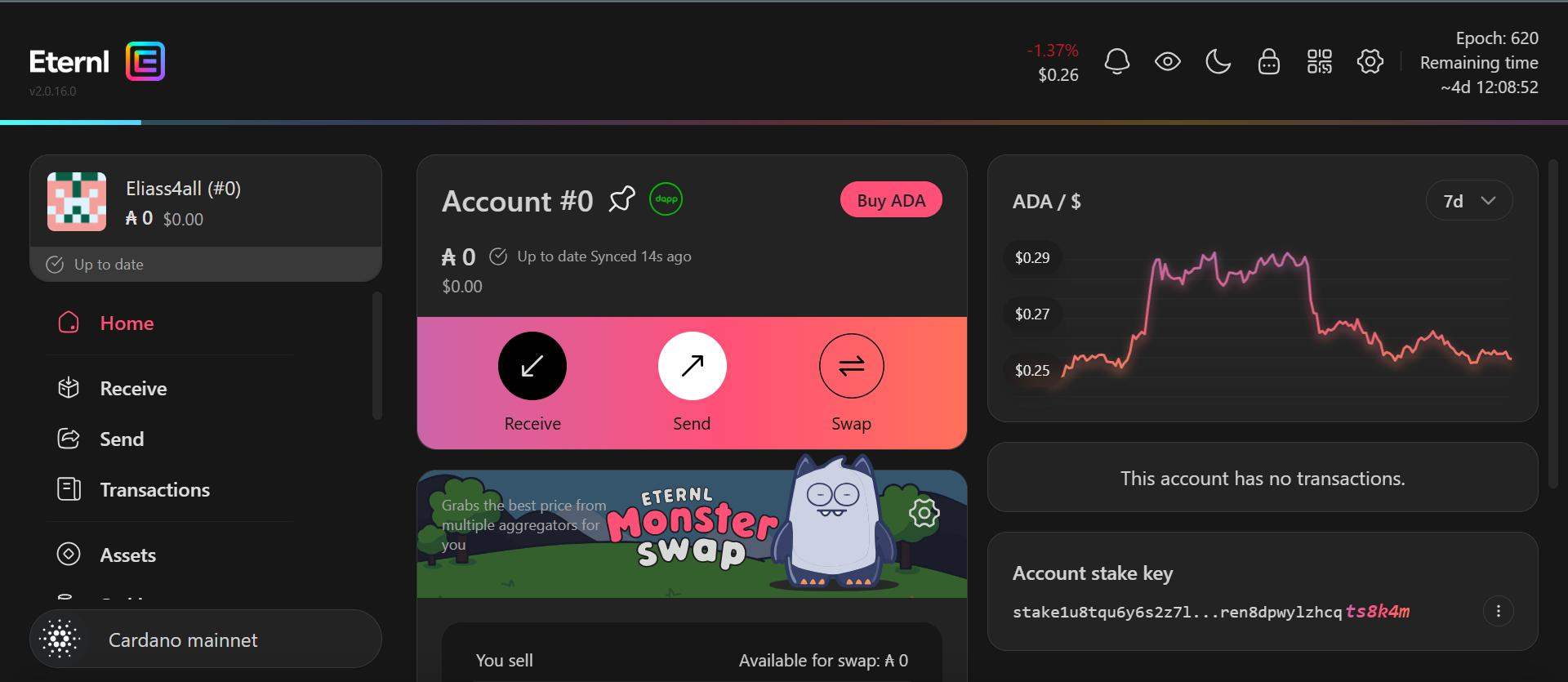
Eternl also features the Staking center, which provides tools to delegate ADA to Cardano stake pools to earn rewards. Additionally, the Eternl Wallet web extension and mobile app versions include a dApp connector and browser feature for exploring decentralized apps on Cardano.
Bottom Line
Unlike most Cardano wallets that focus on specific perks, Eternl offers a perfect blend of feature depth and accessibility. Its lightweight structure grants you access to Cardano and all of its features, even if you’re not a professional trader. The app also supports staking, NFT management, and dApp connectivity, all on a single platform.
If Eternl does not fully meet your expectations, there are other wallet options you can try. The AdaLite wallet is an ideal Eternl alternative, renowned for spreading ADA delegation across multiple pools for additional rewards. Install the AdaLite wallet or combine both wallet options for an optimal Cardano management experience.
FAQs
1. Is Eternl a safe Cardano wallet?
Yes, Eternl is non-custodial, giving users full control over their private keys and supporting hardware wallets for added security.
2. Can I add a new account on Eternl after initial setup?
Yes, you can create multiple accounts under one seed phrase, allowing you to stake to multiple pools from the same wallet.
3. What if I lose my phone where Eternl is installed?
You can still access your wallet on other supported platforms, including a browser extension or a new phone. However, you must have your recovery phrase (seed phrase) to restore your wallet on a new device. If you lose this phrase, you cannot recover your assets.