- •The best Cardano wallet depends on how you use ADA, whether you are holding, staking, or interacting with the ecosystem.
- •Wallets like Yoroi and Lace focus on simplicity, while Eternl and Typhon offer more control for advanced users.
- •Using a wallet gives full control over staking and access to Cardano’s DeFi, NFT, and governance ecosystem.
Cardano (ADA) users don’t all interact with the network the same way. Some simply buy and hold, while others stake their ADA or use it across the ecosystem. Because of that, the best Cardano wallet is not the same for everyone. It depends on how you plan to store, stake, or actually use your ADA. In this list, we’ve compared the best Cardano wallets based on real usage, focusing on what each wallet does well and who it is best suited for.
Best Cardano Wallets (Compared)
We focused on how each wallet performs in real use, including accessibility, staking flexibility, ecosystem access, and overall usability.
| Wallet | Platforms | Native Staking | Extra Features | Rating |
|---|---|---|---|---|
| Eternl Wallet | Mobile + Extension | Yes | Advanced tools, multisig | 8.8/10 |
| Yoroi Wallet | Mobile + Extension | Yes | Easy staking, swaps | 8.6/10 |
| Typhon Wallet | Chrome Extension, Web | Yes | NFT tools, multi-delegation | 8.5/10 |
| Lace Wallet | Browser Extension | Yes | DApp access, fiat on-ramp | 8.3/10 |
| Daedalus Wallet | Desktop (Win, macOS, Linux) | Yes | Full-node security | 8.2/10 |
| AdaLite Wallet | Web, Extension | Yes | Hardware wallet support | 8.0/10 |
1. Eternl Wallet
For users who want more control and flexibility, Eternl Wallet is built with a wider set of tools compared to most alternatives. It is available as both a browser extension and a mobile app, making it easier to manage assets across devices. The wallet supports advanced staking controls, multi-account setups, and even multisig functionality, which makes it suitable for more experienced users.
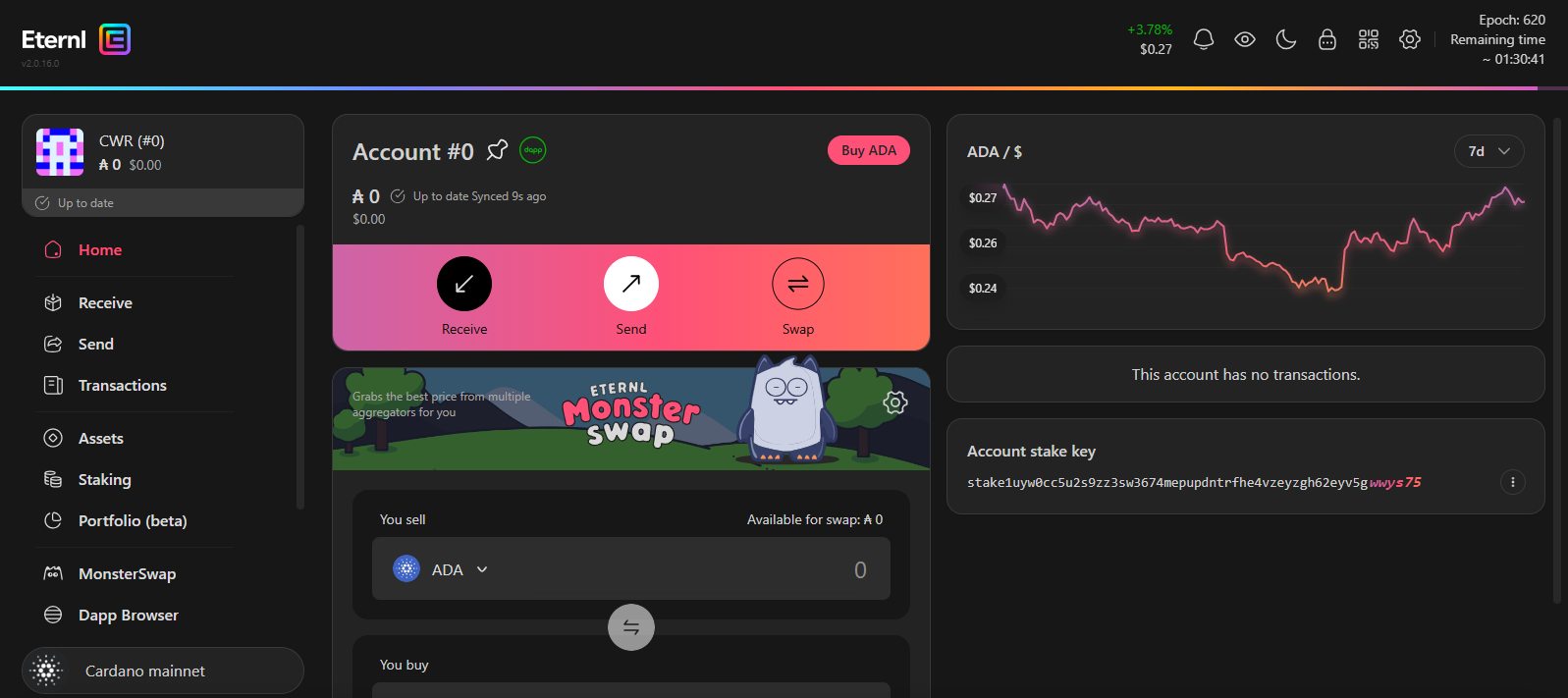
It also connects directly to Cardano applications, allowing interaction with DeFi platforms and NFTs. Because of the number of features packed into it, Eternl Wallet can feel more complex than simpler options, especially for users just getting started.
| Pros | Cons |
|---|---|
| ✅ Mobile and extension support ✅ Advanced staking tools ✅ Built-in DApp connector ✅ Multi-account and multisig support ✅ NFT and token management |
❌ Interface can feel complex ❌ Not beginner friendly ❌ Overkill for simple use |
2. Yoroi Wallet
Yoroi Wallet keeps things simple, and that’s exactly why many users start with it. You don’t need to download the blockchain or wait for anything to sync. It works right away, whether you’re using the browser extension or the mobile app. Staking is straightforward, NFTs are supported, and swaps are available inside the wallet, so you’re not constantly jumping between platforms.
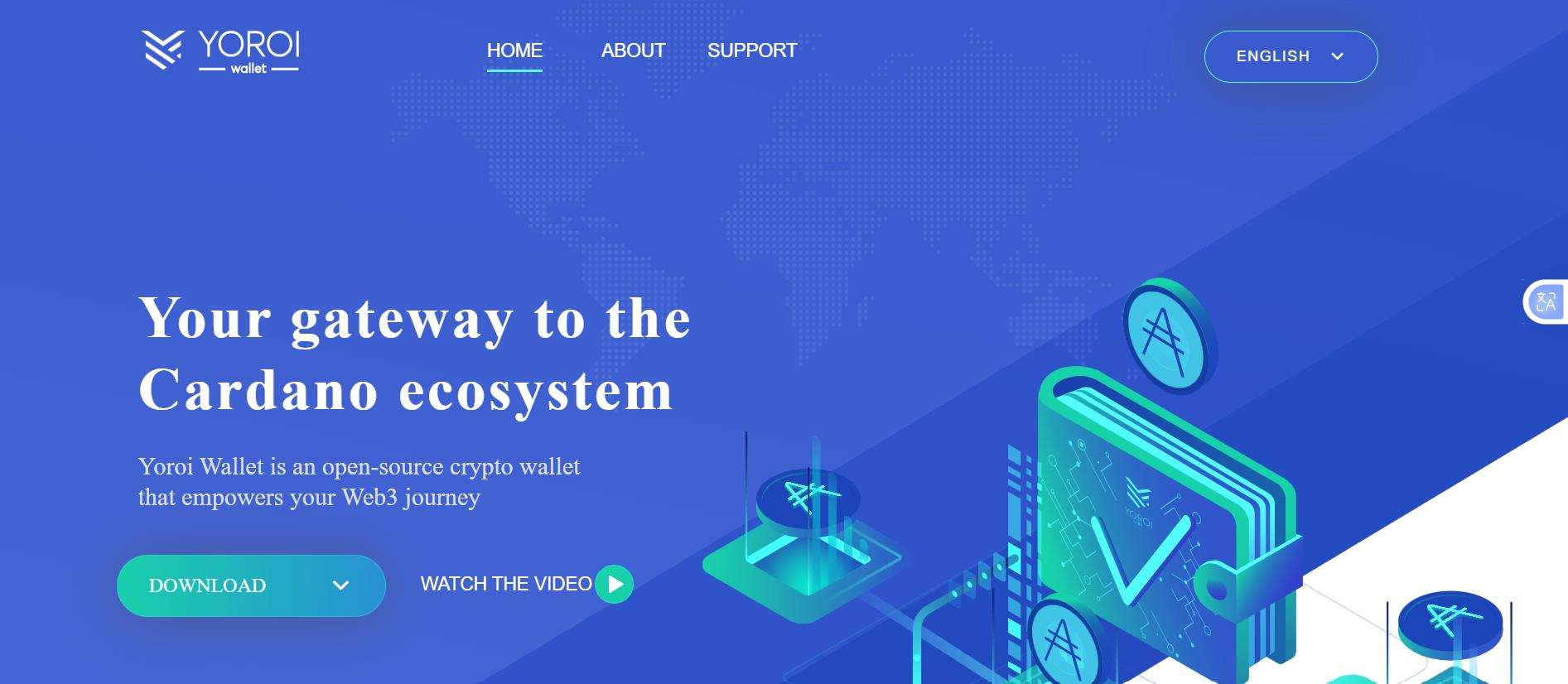
It doesn’t try to do too much, which is both its strength and its limitation. If you want something fast and easy, it works well. If you want deeper control, you’ll start to notice the gaps, especially when experimenting with environments like the Cardano testnet where more advanced interactions are usually required.
| Pros | Cons |
|---|---|
| ✅ Fast setup, no syncing required ✅ Mobile and extension support ✅ Easy staking interface ✅ Built-in swap functionality ✅ NFT support available |
❌ Limited advanced functionality ❌ Less control than full-node wallets ❌ Basic interface for power users |
3. Typhon Wallet
Typhon Wallet leans toward users who are actually doing things on Cardano, not just holding ADA. It runs entirely in the browser, either through an extension or a web interface, which keeps access simple without installing anything heavy. What makes it useful is how it handles staking and account management.
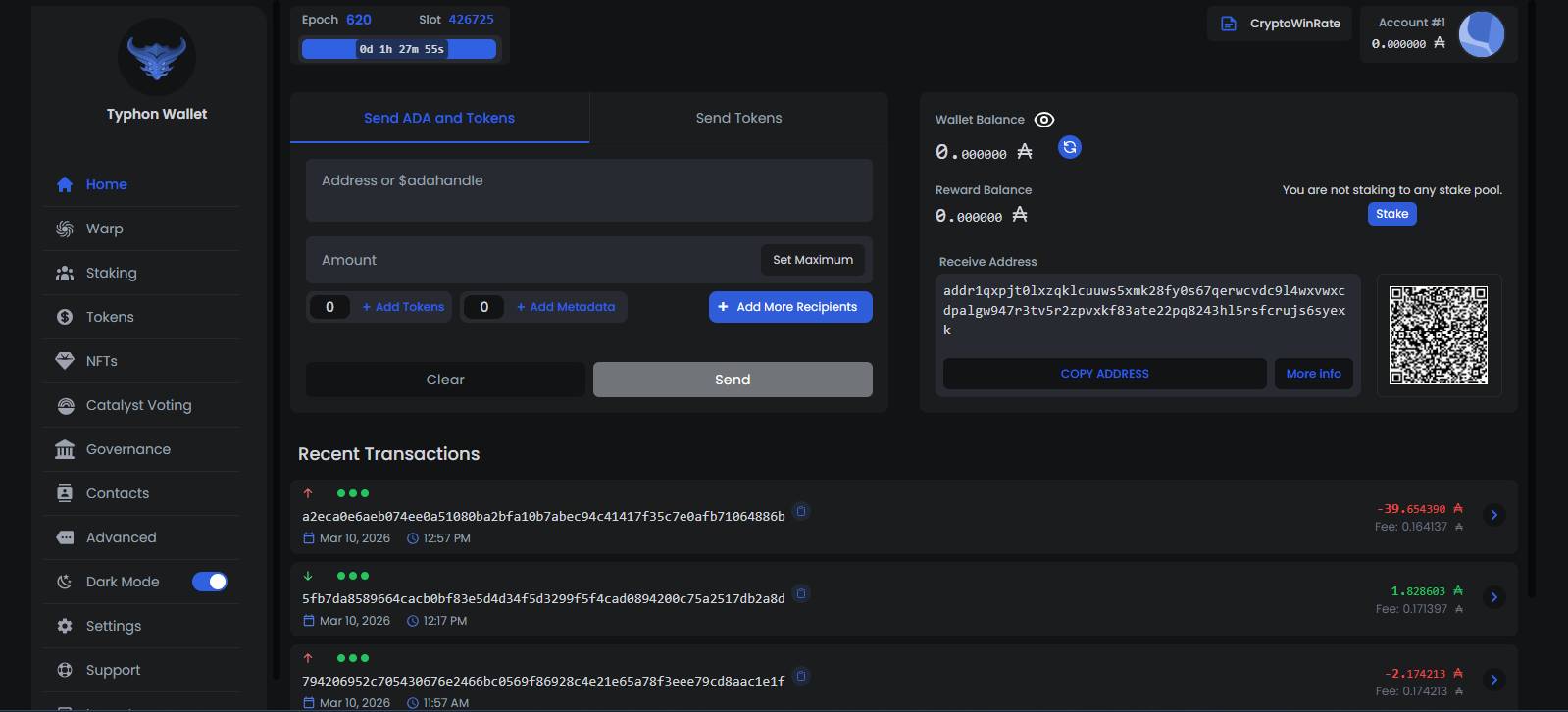
You can split funds across multiple pools and manage separate accounts without juggling seed phrases. It also works well for NFTs, letting you view and move assets directly inside the wallet. Hardware wallet support is there for added security. The only real limitation is that everything stays within the browser, which might not suit users who prefer mobile apps.
| Pros | Cons |
|---|---|
| ✅ Built-in NFT viewing and transfers ✅ Multi-delegation across pools ✅ Hardware wallet support available ✅ Multi-account without extra seed phrases ✅ Detailed staking dashboard |
❌ No mobile or desktop app ❌ Cardano-only support ❌ Not ideal for simple use cases |
4. Lace Wallet
There’s a noticeable focus on simplicity with Lace Wallet, and that comes from the fact that it’s built by Cardano’s own development team. It runs as a browser extension and connects easily to DApps, so you can move from holding ADA to actually using it without switching tools.
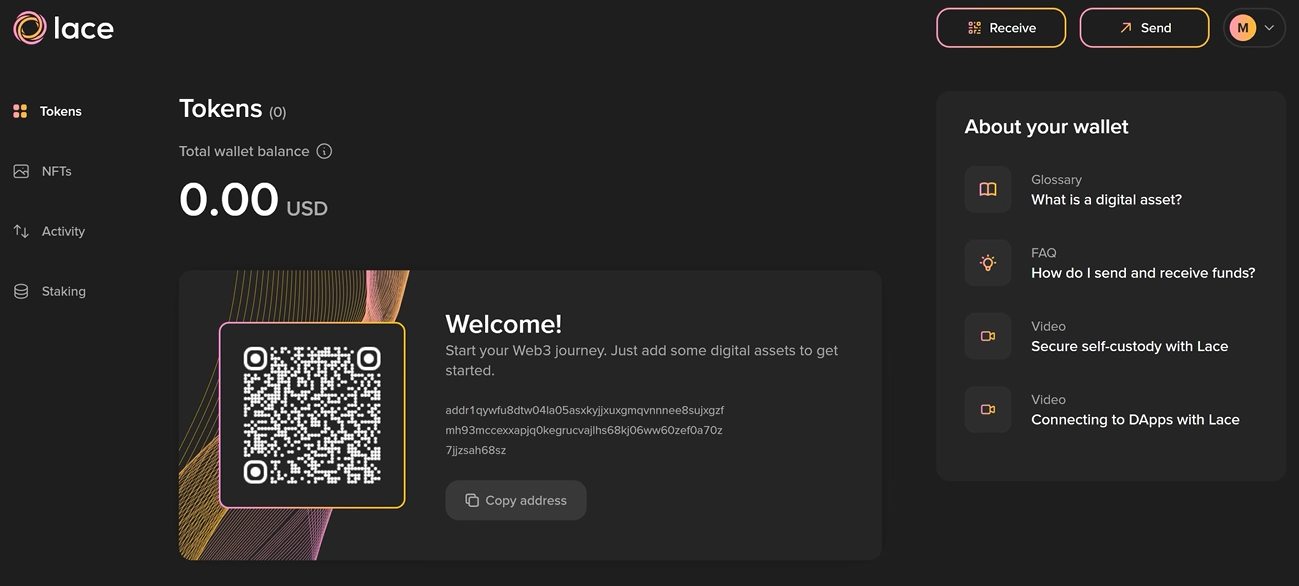
Staking is built in, NFTs are easy to manage, and there’s even a fiat on-ramp if you want to buy ADA directly. It still feels like a product that’s growing, though. While the basics are covered well, it doesn’t go as deep as some of the more advanced wallets yet.
| Pros | Cons |
|---|---|
| ✅ Official wallet by Cardano developers ✅ Clean and simple interface ✅ Built-in DApp connectivity ✅ Fiat on-ramp support ✅ NFT support included |
❌ No mobile or desktop version ❌ Limited advanced tools ❌ Still expanding feature set |
5. Daedalus Wallet
Running a full node changes how things work, and that’s exactly what Daedalus Wallet does. Instead of relying on external servers, it downloads the entire Cardano blockchain and verifies everything locally. This gives you full independence and a higher level of trust in how transactions are handled.
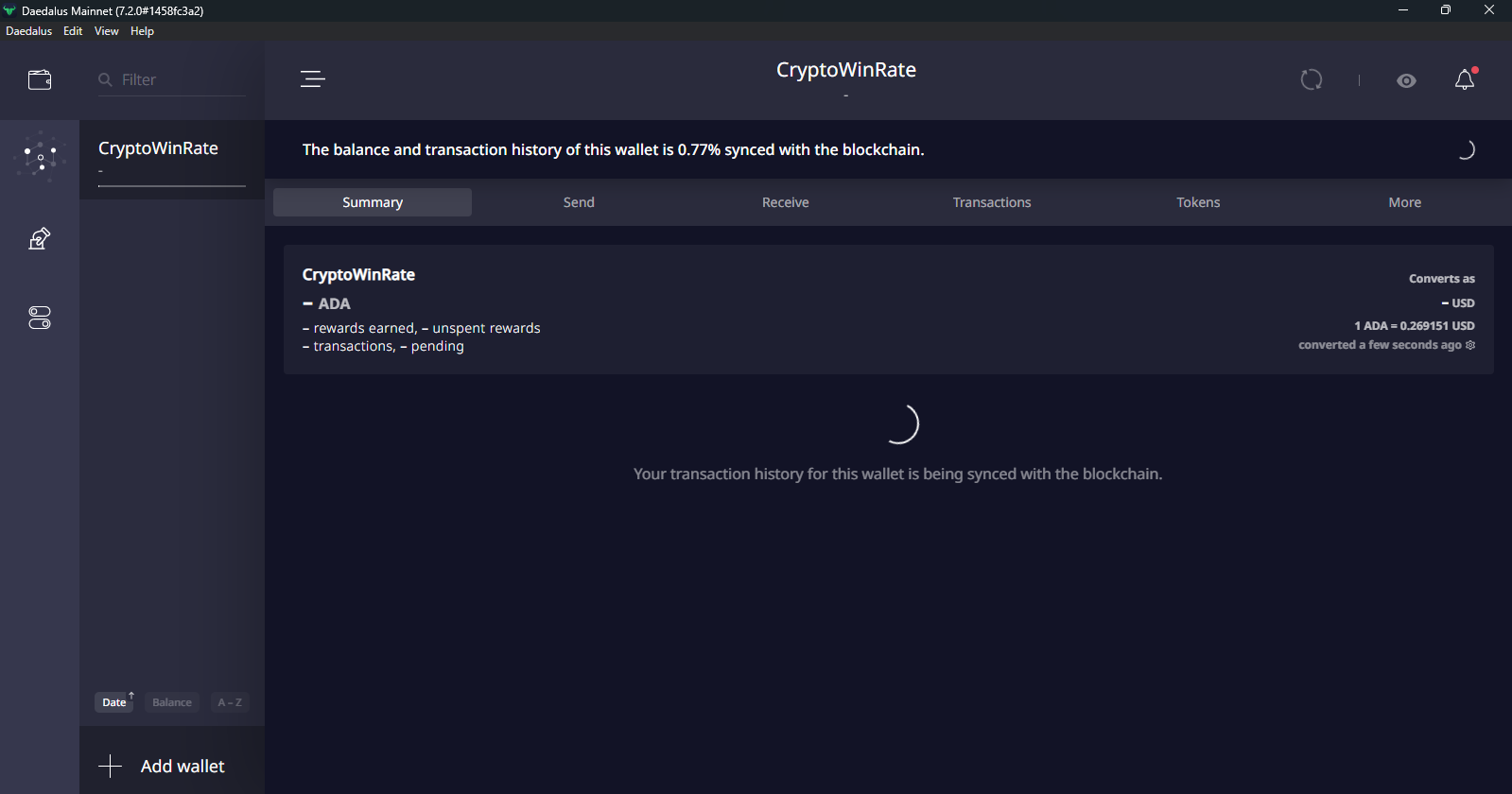
The trade-off is obvious. It takes time to sync, needs strong hardware, and uses a lot of storage. It’s not something you open casually just to check your balance. But for users who care about control and long-term storage, Daedalus still stands apart from lighter wallets.
| Pros | Cons |
|---|---|
| ✅ Full-node, no third-party reliance ✅ Direct transaction validation ✅ Strong security model ✅ Native staking with full control |
❌ Very high system requirements ❌ Long initial sync time ❌ Desktop only |
6. AdaLite Wallet
For users who prefer not to install anything, AdaLite Wallet provides direct access through a browser-based interface. It’s designed to be lightweight while still supporting key functionality like staking and asset management. One of its stronger points is hardware wallet compatibility, allowing users to connect devices like Ledger or Trezor for added security.
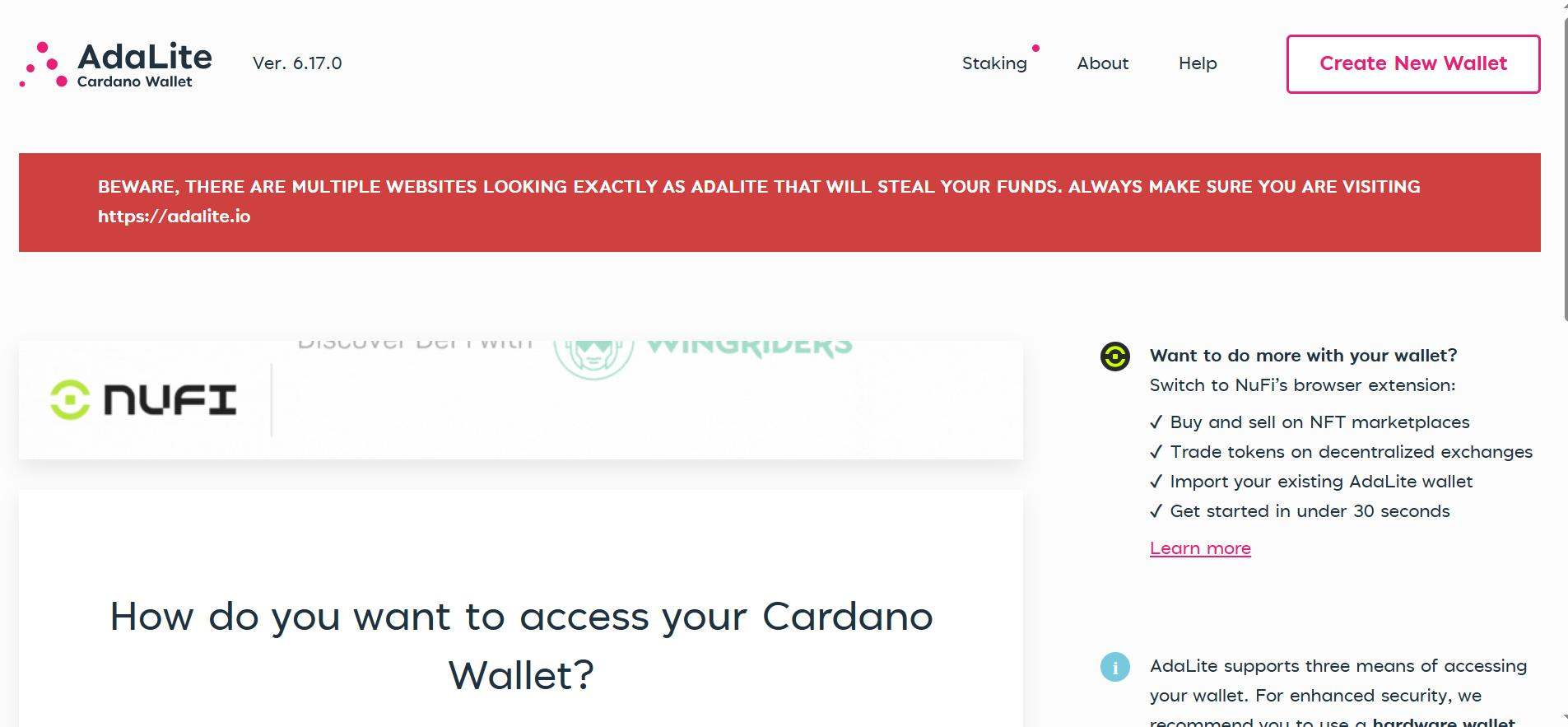
AdaLite Wallet also supports multiple accounts and pool delegation, which helps with organizing funds or spreading staking strategies. The trade-off is that it relies on a web interface, and it includes a staking fee, which may not appeal to users looking for completely fee-free options.
| Pros | Cons |
|---|---|
| ✅ No installation required ✅ Strong hardware wallet support ✅ Multi-account and multi-pool staking ✅ Open-source and transparent ✅ Works across devices |
❌ Relies on web interface ❌ Limited ecosystem tools |
Why a Dedicated Cardano Wallet Matters
If you’re only buying ADA on an exchange and leaving it there, a wallet does not seem necessary. You get basic exposure to price movement, and that is enough for some users.
But once you move beyond that, the limitations start to show. Transferring ADA out of an exchange without using it further does not add much value either. You still are not interacting with staking properly, and you are not accessing anything built on Cardano.
A dedicated wallet changes that. It gives you direct control over your ADA, and more importantly, access to what the network actually offers. That includes staking, interacting with applications, and managing assets on your own terms. For anyone planning to hold ADA long term or use it actively, a native wallet becomes part of the setup, which is exactly how Charles Hoskinson envisioned users interacting with the network.
Cardano Staking
Cardano uses a delegation model, which means you do not need to lock your ADA to earn rewards. You simply delegate your ADA to a stake pool, and the network distributes rewards based on performance.
Using a wallet gives you full control over this process. You choose the pool, track rewards directly, and can switch pools at any time without restrictions.
On exchanges, staking is simplified, but you give up control. You do not always know which pool is used, and rewards can vary. With a wallet, everything stays transparent and under your control.
Access to Cardano Ecosystem
Holding ADA on its own is only one part of the picture. A wallet allows you to actually use it. You can connect to Cardano-based applications, trade NFTs, interact with DeFi platforms, and participate in governance through Catalyst voting. These are not accessible from a centralized exchange.
For users who plan to go beyond holding and start using Cardano, a wallet becomes necessary, especially as more people own Cardano and begin participating directly in its ecosystem.
Bottom Line
Choosing the best Cardano wallet depends on how you plan to use your ADA. Some users focus on simple storage, while others look for more control or deeper interaction with the network. A wallet gives direct access to staking, allowing you to delegate ADA to a pool and earn rewards. It also enables interaction with Cardano-based applications, NFTs, and governance features, which are not available through centralized platforms. If you plan to stake, you will first need ADA in your wallet. You can follow our guide to buy Cardano tokens and then delegate it to a pool directly from your wallet.
FAQs
1. What is the best Cardano wallet?
The best Cardano wallet depends on your needs. Yoroi is suitable for beginners, while Eternl and Typhon are better for advanced users.
2. Can I stake ADA using a wallet?
Yes, most Cardano wallets support staking. You can delegate your ADA to a pool and earn rewards directly.
3. Do I need KYC to use a Cardano wallet?
No, Cardano wallets are non-custodial. You can use them without identity verification.
4. Is Daedalus better than Yoroi?
Daedalus offers more control and security as a full-node wallet, while Yoroi is faster and easier to use.
5. Can I use Cardano wallets on mobile?
Yes, wallets like Yoroi and Eternl offer mobile apps, while others are limited to browser or desktop.