- •Pera wallet is an Algorand-exclusive wallet with ASA support and direct staking access on the network.
- •The wallet integrates WalletConnect, enabling seamless interaction with Algorand DeFi platforms.
- •As a non-custodial wallet, Pera allows users to store and secure secret recovery phrases and private keys locally.
To take advantage of Algorand’s evolving features, you need a wallet that supports fast transactions and seamless access to DeFi applications. Pera Wallet, built by Algorand LLC, offers a standardized entry point for managing assets and dApp permissions within the network. It is an open-source, non-custodial wallet that provides a mobile-first interface for storing ALGO and managing Algorand Standard Assets (ASAs). You also get access to perks such as Pera Fund and BIP-39 Support, which allows you to manage multiple Algorand accounts within a single interface. This guide explains how to get started with Pera Wallet, from installation and set-up to navigating its core features.
Why You Need Pera Wallet
You need a Pera wallet if you want a non-custodial wallet that gives you access to the Algorand ecosystem in a fast and secure environment. Unlike multi-chain wallets, Pera focuses entirely on Algorand, enabling it to integrate deeper network features without incurring unnecessary costs.
Being Algorand-exclusive, Pera automatically supports all Algorand-based tokens (ASAs) without requiring additional configuration. It also interacts directly with the network’s native token standards, which bypasses the need for third-party asset representations, making your transfers more direct and cost-effective.
Also, if you’re heavy on exploring NFTs and similar DeFi platforms, the Pera wallet should be your go-to. The app integrates WalletConnect, enabling you to navigate DEXs, dApps, and marketplaces using your mobile device.
Pera Wallet includes integrated fiat on-ramps, enabling the purchase of $ALGO and stablecoins via credit card or bank transfer directly within the interface. Also, the platform provides a direct connection to Algorand’s governance and staking protocols, allowing users to participate in network rewards without third-party intermediaries.
Getting Started With Pera Wallet
Downloading and setting up your Pera wallet only takes a few minutes. Pera currently operates as a web wallet for desktop browsers and a mobile wallet available on Android and iOS devices. The step-by-step guide below focuses on installing the Pera wallet on your mobile device, as creating a new account is no longer available on Pera Web.
Download
Follow the steps below to download the Pera wallet on your Android or iOS mobile device:
Step 1: Open your mobile browser and visit the Pera wallet website.
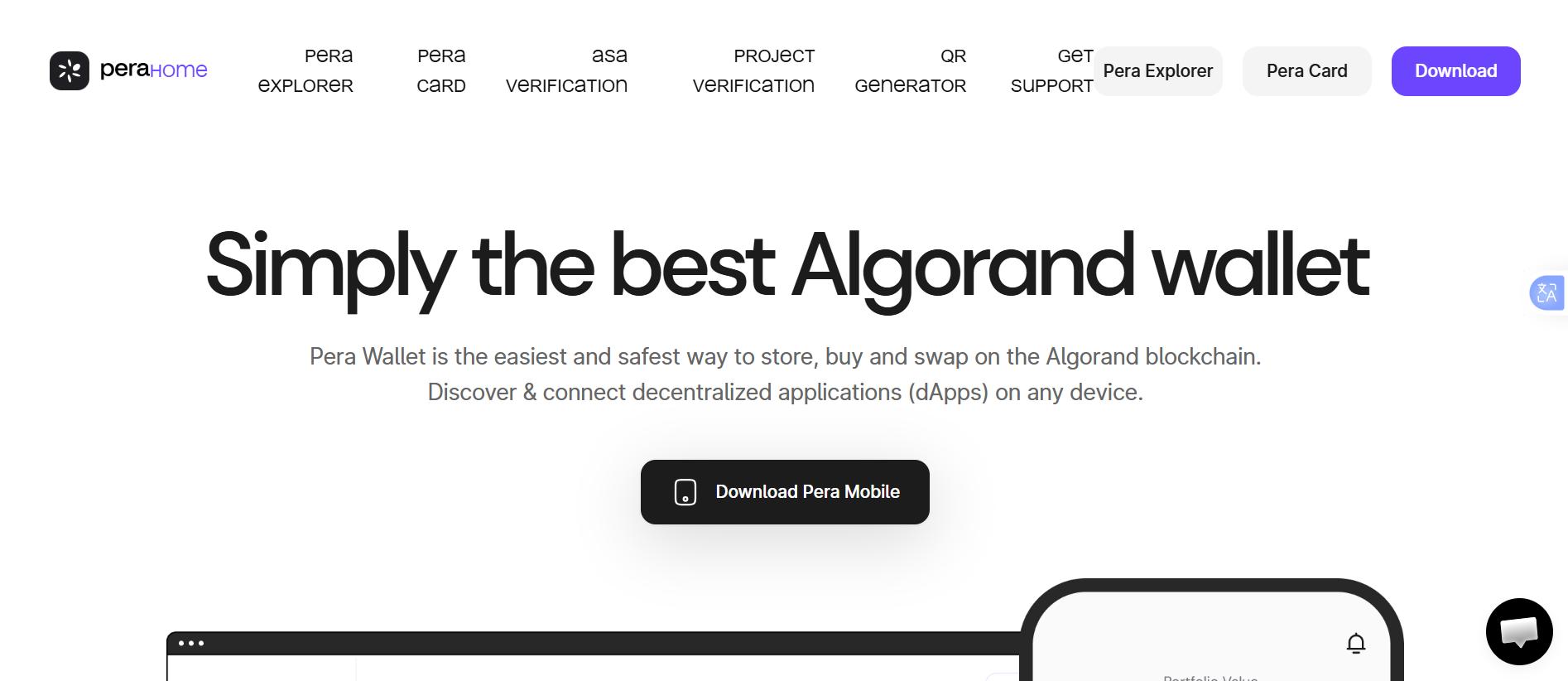
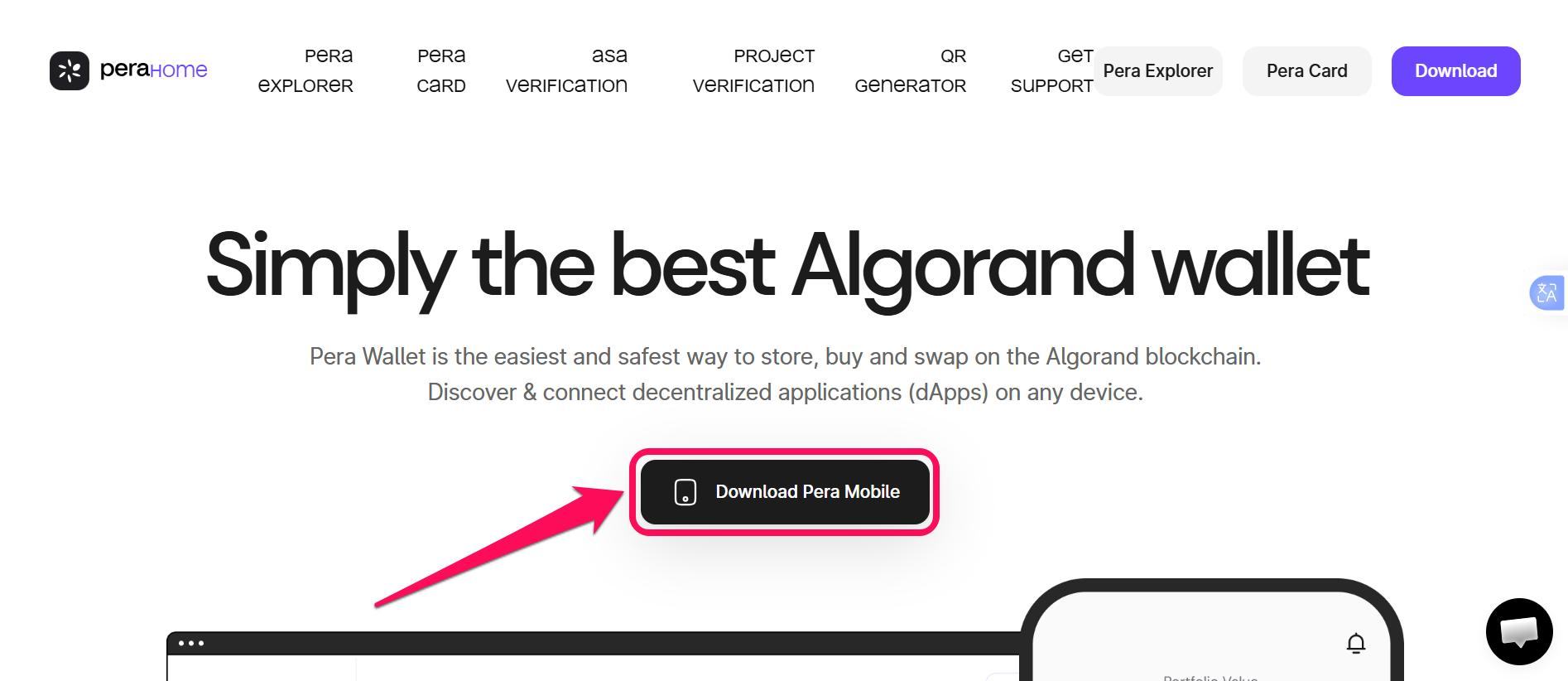
Step 2: Click Download Pera Mobile.
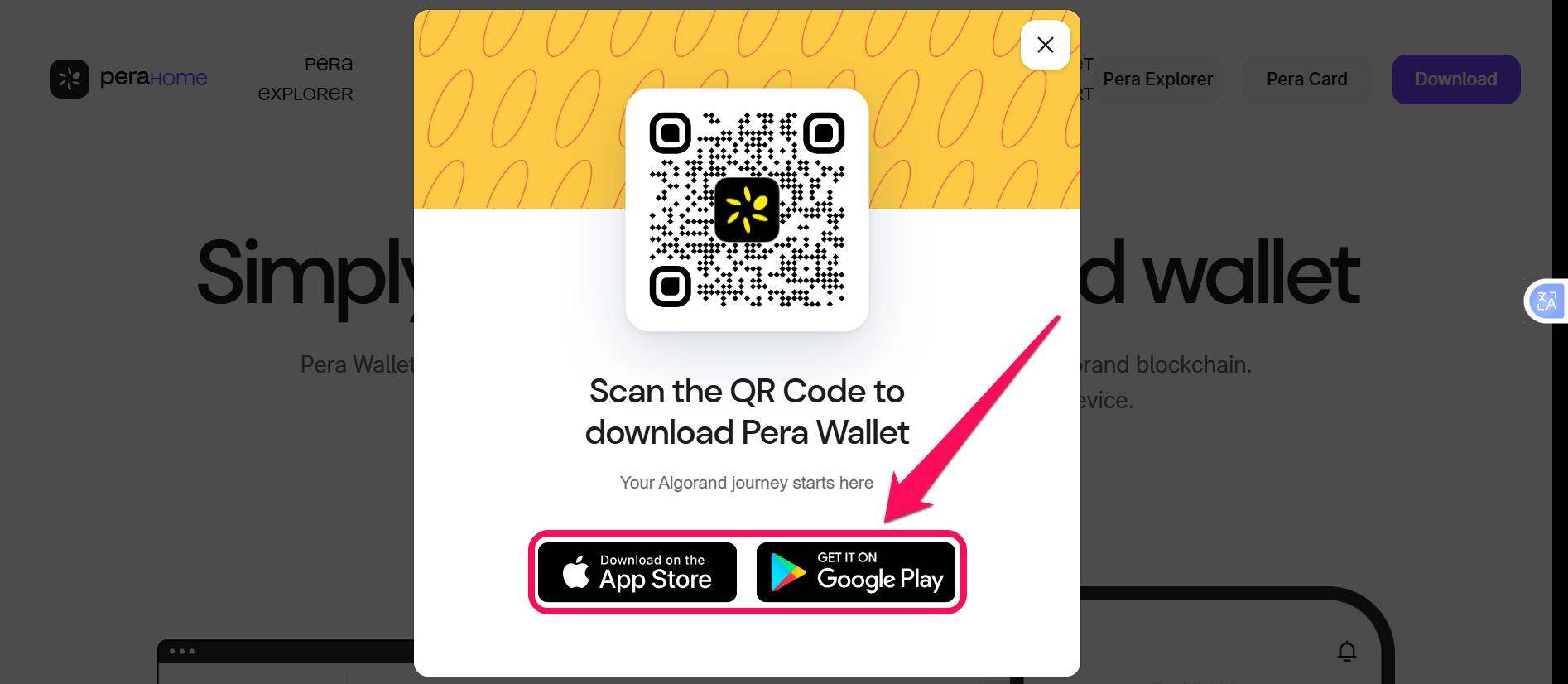
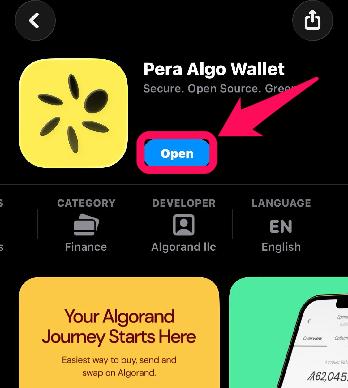
Step 3: Select the download option that fits your device’s operating system. This redirects you to install the Pera wallet from the Google Play Store (Android) or App Store (iOS).
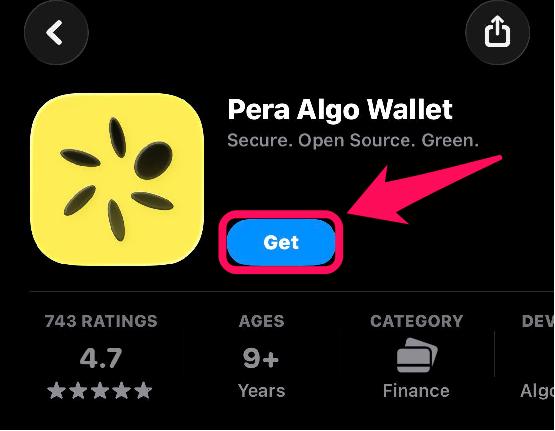
Step 4: Once in the Google Play or App Store interface, tap Install or Get to begin the download.
Wallet Creation
Once the app is successfully installed on your mobile device, launch it to create a new account and get started with Pera Wallet. Accounts created on Pera exist on the Algorand blockchain, not only “on Pera.” So, as long as you have your secret recovery phrase, you can import the account on other Algorand wallet platforms anytime. Also, you can create as many wallets as you need on Pera, all of which follow the same process shown below:
Step 1: Launch the Pera wallet mobile app or web wallet.
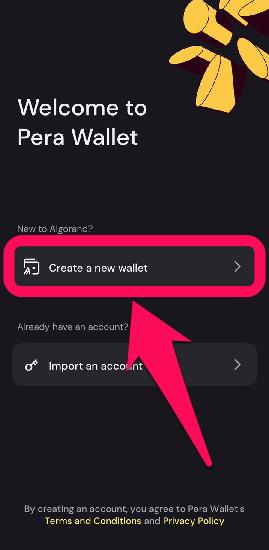
Step 2: Click Create a new wallet on the onboarding page.
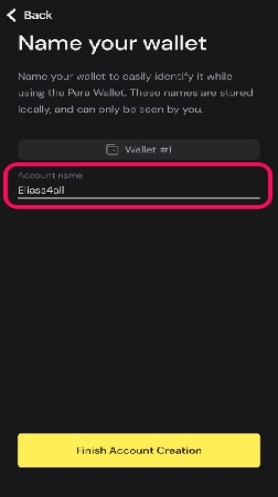
Step 3: Name your new wallet. Note that Pera wallet names are for local use only and won’t be registered on the blockchain.
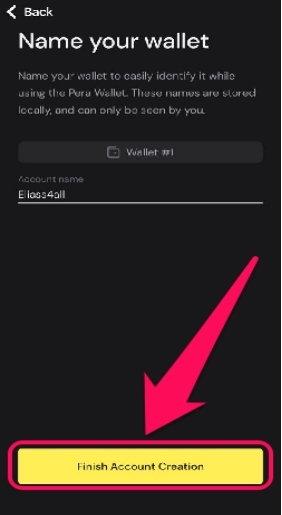
Step 4: Click Finish Account Creation to complete the process. Your Pera wallet is now ready to receive, sell, and manage Algorand tokens.
Quick Tour of the Pera Wallet
Pera wallet interface is designed for universal access to Algorand features. The app prioritizes user-friendliness, making it ideal for beginner traders to explore Algorand dApps, NFTs, and trading opportunities. On the landing page, the dashboard displays ALGO balance, ASA tokens, and recent transactions.
You can access staking via the Quick Access menu at the bottom of the Pera wallet app. You can also use the Send/Receive buttons to transfer ALGO or generate QR Codes for incoming payments. The dApp browser with WalletConnect integration connects you to Algorand DeFi platforms for trading, staking, and NFT interactions.
Bottom Line
From beginners to Web3 veterans, adopting a native Algorand wallet is the most effective way to optimize dApp interactions and fully unlock the ecosystem’s potential. In addition to dApp access, Pera provides ASA support, WalletConnect integration, and mobile apps that let you interact with Algorand-based features on the go.
Once you get started with Pera Wallet and fund your account, you can easily explore DeFi platforms, stake ALGO, and trade ALGO within the same interface. If you’re curious about how Algorand became one of the fastest-developing networks in the crypto space, it’s best to start at the beginning. Find out the history and net worth of Silvio Micali (Algorand founder) in our next guide.
FAQs
1. Is Pera Wallet Safe?
Yes, Pera wallet uses AES-256 encryption and is non-custodial, meaning you control your private keys and recovery phrase. Also, the app utilizes NaC1 secretbox to store private keys locally rather than on risky company servers.
2. Can Pera reset my PIN/Password?
No, your passcode is stored locally on your device. If you forget it, you must delete the app and recover your account using your 25-word recovery phrase after reinstallation.
3. What is “Rekeying” in the Pera wallet?
Rekeying lets you change your private key (e.g., moving to a Ledger) without changing your public wallet address.